Amazon, Walmart and TikTok Shop Image Requirements Side by Side, and One Shoot for All Three
Amazon, Walmart and TikTok Shop all want a pure white main image with nothing laid over it, and they differ on shape, size and what the photograph may show. The rules side by side, and how to shoot once for all three.
 Faizan Mughal2026-11-117 min read
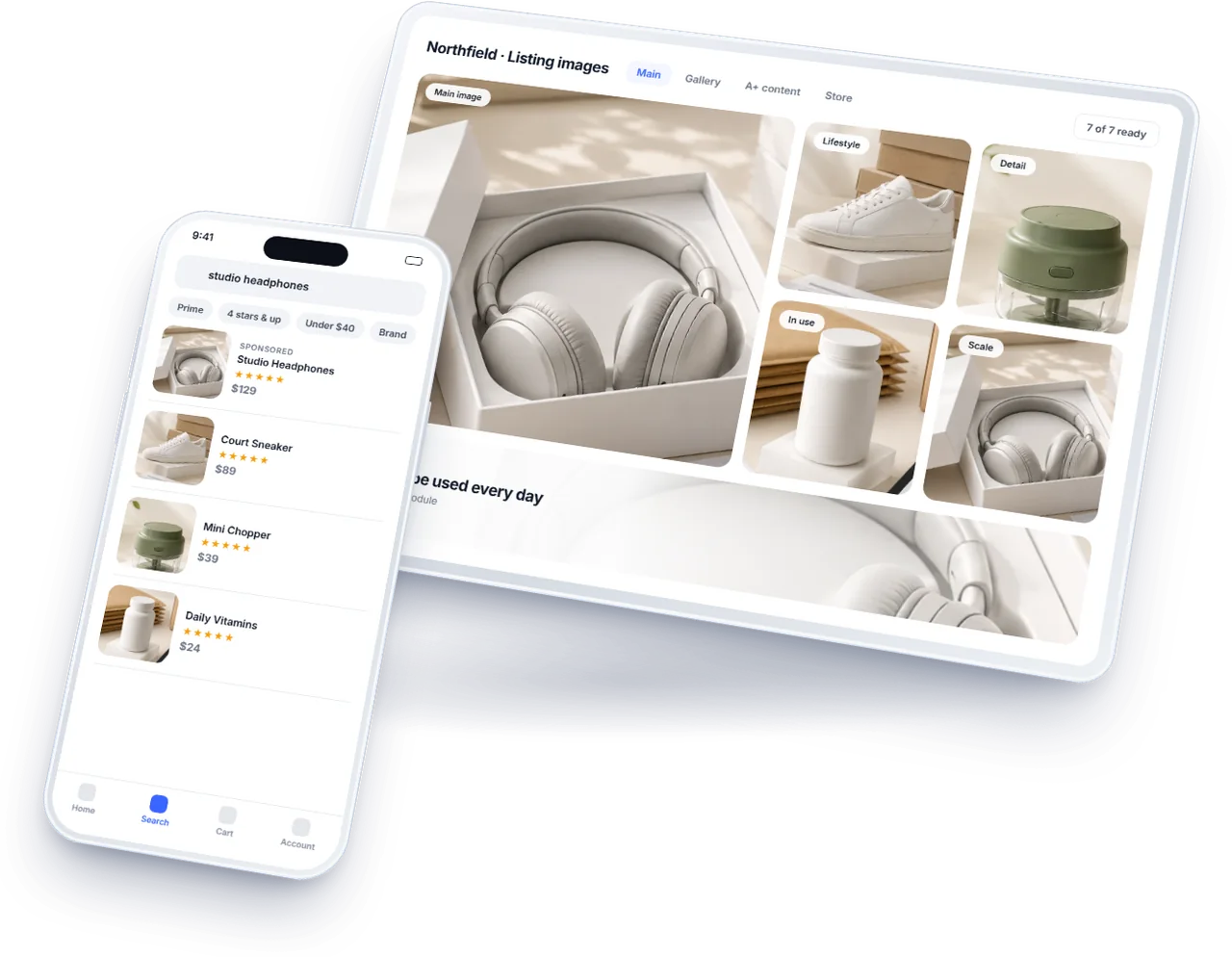
The Short Answer
All three marketplaces want the same thing from a main image at heart: the actual product, on a pure white background, with nothing laid over it. Where they differ is shape, size and a few content rules. Walmart and TikTok Shop want square images; Amazon accepts any rectangle but works best square. Walmart recommends the largest files, 2200 pixels a side; TikTok Shop sets the lowest floor, 600. TikTok Shop wants the front of the product and no digital renderings; Walmart wants nothing in the frame that does not come with the item.
So one shoot can serve all three if it is planned for the strictest rule on each point: shoot large, frame for a square crop, photograph the front as well as the hero angle, show only what is included, and keep every image free of text and graphics on the main slot.
The Rules Side by Side
Background. All three ask for pure white on the main image. Amazon and Walmart both name it precisely, RGB 255, 255, 255, and Walmart adds that it should be seamless. TikTok Shop's policy has required a pure white main image since 1 September 2026, though its general guidance only recommends white for the others.
Size and shape. Amazon accepts 500 to 10,000 pixels on the longest side and recommends 1,600 or more so zoom works, in any rectangle, with square filling the search thumbnail best. Walmart recommends 2200 by 2200 pixels, asks for at least 1500 by 1500 for zoom, and wants a 1:1 ratio. TikTok Shop wants square images of at least 600 by 600 pixels, in colour.
Formats and files. Amazon takes JPEG, PNG, GIF, WEBP and TIFF. Walmart takes JPEG, PNG and BMP, not GIF, up to 5MB. A JPEG or PNG at a sensible quality satisfies both, and TikTok Shop's listings take the same everyday formats.
Content. None of the three allows text, logos, graphics, borders or watermarks on the main image. Amazon adds that the product must fill at least 85% of the frame on its longest side. Walmart adds that accessories not included with the item must not appear. TikTok Shop adds that the main image shows the front of the product and that digital renderings are not allowed.
Where an Image That Passes One Fails Another
The most common failure runs from Amazon to TikTok Shop: an angled hero shot on a tall rectangle passes Amazon, and fails TikTok Shop twice, for not being square and not showing the front. The fix is a front view cropped square, as the TikTok Shop main image rules set out.
From Amazon to Walmart the usual problem is size and props. An Amazon main image at 1,000 pixels passes Amazon's minimum and sits below Walmart's zoom requirement, and a styled shot with a cup beside the kettle is fine in Amazon's gallery but not in Walmart's main slot if the cup is not in the box.
From Walmart to Amazon the risk is the frame. Walmart asks for the item cropped close, which usually satisfies Amazon's 85% rule, but a square crop of a tall, thin product can leave it filling less of the frame than Amazon requires on its longest side; check that measurement rather than assuming. The full Amazon rules are in Amazon product image requirements.
One Shoot for All Three
Shoot at a resolution that leaves room to crop: a frame large enough that a square crop of the product still exceeds Walmart's 2200 pixels a side. Light the product on white so the background reaches pure white in the edit without cutting the product out by hand, which is where edges go soft.
Take the front view as well as the hero angle for every product, because TikTok Shop needs the front for its main image and the other two benefit from it in the gallery. Photograph the product alone first, then with anything included in the box, then styled. That order produces a main image for every platform before any styling begins.
Then export per platform from one master: a square main image for Walmart and TikTok Shop, the same or a near square for Amazon, each checked against its own rule on frame fill. Name the files by platform and slot so nobody uploads the Amazon hero to TikTok Shop's main slot by accident.
The Gallery Is Where They Differ Least
Beyond the main image, all three allow the images that sell: scale, detail, the product in use, what is in the box, and infographics with words, within each platform's rules on claims. TikTok Shop allows up to nine images and a short video; Amazon and Walmart each allow a gallery of their own size. The same set of secondary images, cropped to each platform's shape, usually works on all three. What each of those shots is for, and how to brief them from the reviews, is in eCommerce product photography that sells.
Keep the claims in infographics consistent across platforms and true on each. A figure shown on Amazon and changed on Walmart reads, to a shopper who sees both, as one of them being wrong.
Swatches, Variations and Video
Products sold in colours or sizes need more than a main image per family. Each child in a variation needs its own main image showing that colour or size, on all three platforms, because a shopper choosing red must see red. Walmart also uses small swatch images, which its US guidance sets at 100 pixels, so a clean crop of each colour is worth exporting at the same time as the main images rather than making later.
Video is handled differently on each. TikTok Shop allows one video of up to 5MB alongside its nine images. On Amazon, brand registered sellers can add video beside the images. Walmart supports video and rich media on its own terms. The same footage, cut short and working without sound, can serve all three, so it belongs on the same shoot day as the stills.
Shoot every variation in the same light and at the same angle as its siblings. A family whose colours were photographed on different days looks inconsistent side by side, and on a marketplace they are always side by side.
Checking Before Upload
For each platform, check the main image against its four tests: pure white background, the right shape, the size at or above its zoom requirement, and nothing in the frame that the rules exclude, whether text, props or a rendering. A minute per image saves the suppressed listing that a failed main image causes, and the days it can take to notice one.
Re-check when a platform changes its rules, which all three have done in the past two years. Keep the master files, so a new requirement means a new export rather than a new shoot.
Keep a short sheet of each platform's current rules beside the master files, with the date each was last read from the platform's own pages. The person exporting a new set then works from the rule as it stands, not from memory of how it was the last time.
Planning one shoot for every marketplace a brand sells on, and producing each platform's set from it, is what our listing images service does.
Frequently Asked Questions
The questions that come up most often on this subject.
Walmart's US guidance recommends 2200 by 2200 pixels, at least 1500 by 1500 for zoom, a 1:1 ratio and up to 5MB, in JPEG, PNG or BMP. The main image needs a seamless white background, the item cropped close, and no text, graphics, logos or accessories that are not included.
Often, with care. Both want pure white main images with no text or graphics, but Walmart wants a square image of at least 1500 pixels for zoom and no props that are not included, while Amazon accepts any rectangle and requires the product to fill 85% of the frame.
Square and at least 600 by 600 pixels, in colour. Since 1 September 2026 the main image must show the front of the actual product on pure white, with no text, graphics or digital renderings.
Usually because it is an angled hero shot on a rectangle. TikTok Shop wants a square image showing the front of the product, so a front view cropped square normally fixes it.
Shoot large enough that a square crop exceeds 2200 pixels a side, on white, and take the front view as well as the hero angle. Photograph the product alone first, then with what is in the box, then styled, and export each platform's set from one master file.