
Creative built to sell inside a marketplace
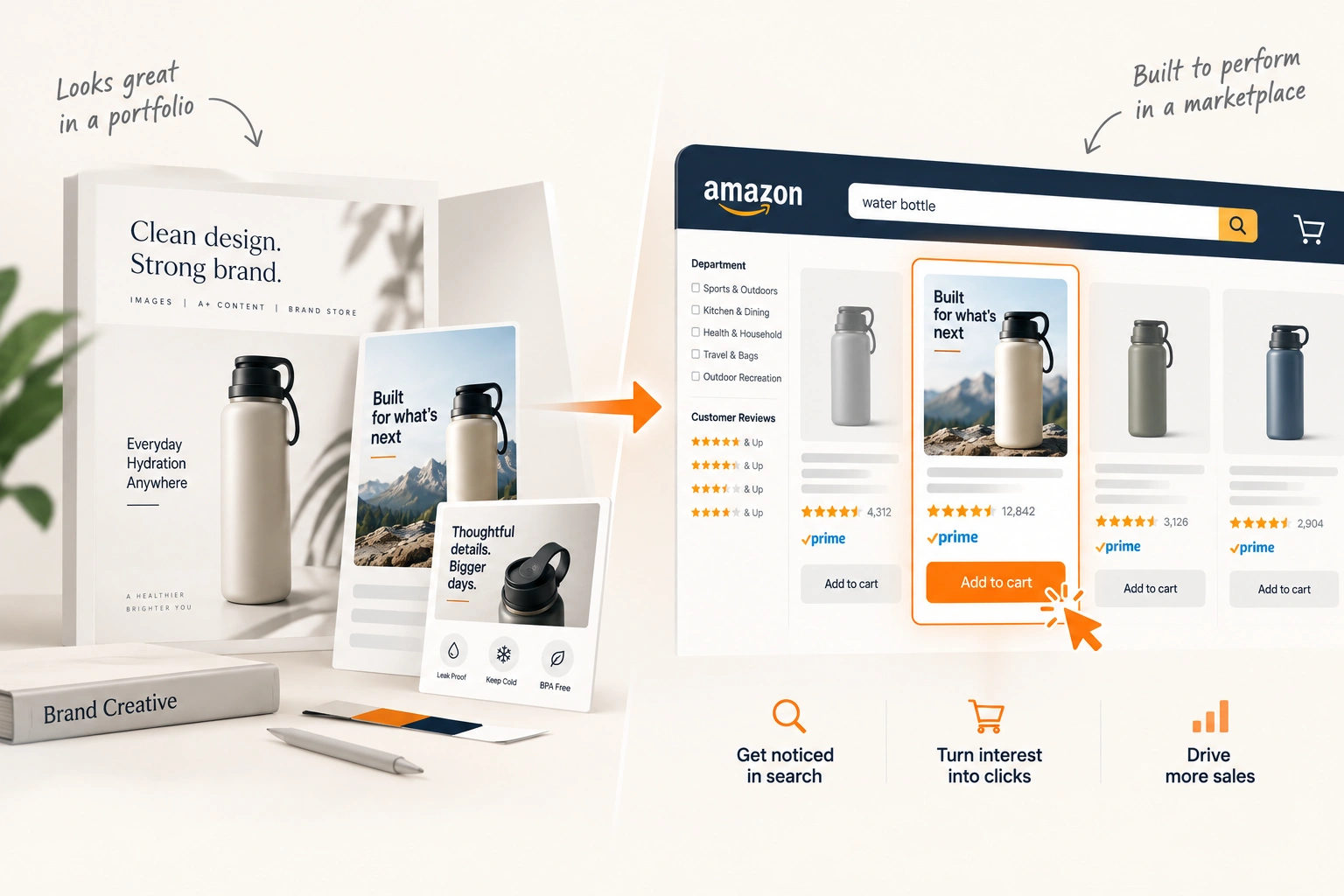
Listing images, A+ content, Brand Stores and the brand system underneath them. Designed against how people actually shop a search results page, not against how a design looks in a portfolio.

Loading Creative & Media hero image
What we run in Creative & Media
- Listing Images
Listing Images
The gallery designed as a sequence: a compliant main image, then infographics, lifestyle and comparison images that each answer one question a shopper would otherwise leave the listing to ask. Priced per ASIN, from five images to ten.
Learn More - Main Image Design
Main Image Design
The one image a shopper sees before reading a word, edited and composited to the marketplace's main image rules and made legible at the size it is actually seen. Priced per image, so variants can be made and tested.
Learn More - A+ Content
A+ Content
Standard and Premium A+ modules and the Brand Story carousel, designed for the shopper who scrolls past the gallery and built so the one who does not loses nothing. Priced per ASIN, with alt text and written text on every design.
Learn More - Brand Store Design
Brand Store Design
The Store's home page, its category pages and the templates behind them, designed around how shoppers browse a range and where your Sponsored Brands traffic lands. One price for the Store and one for each page beyond it.
Learn More - Brand Guidelines
Brand Guidelines
The system every listing, Store and ad is built from: logo, colour, typography and the rules for applying them across marketplaces. In two levels, from the essentials for a brand starting out to the full system with the research behind it.
Learn More
What’s included in Creative & Media
Listing Images
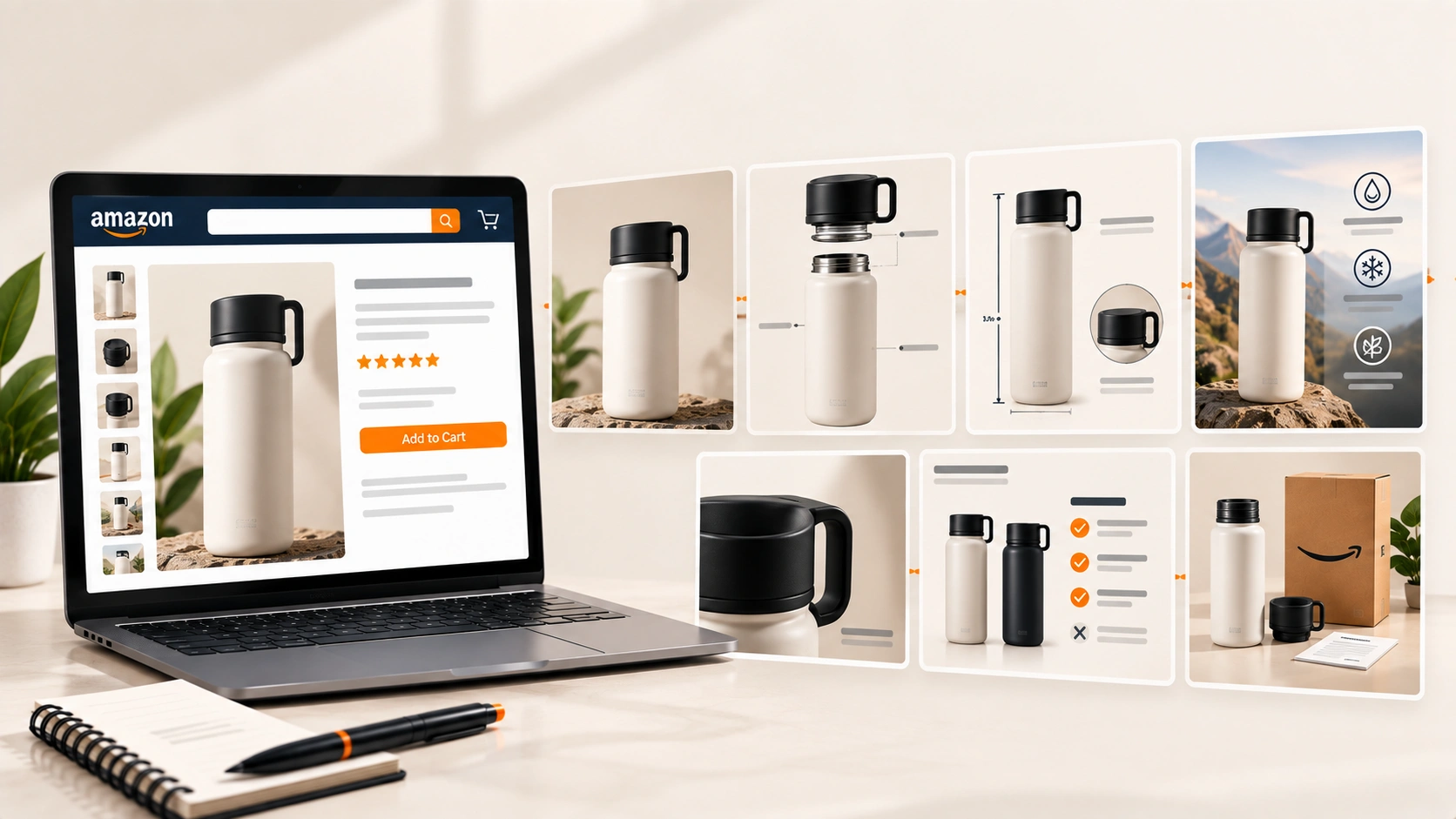
The gallery, designed as a sequence rather than as seven separate pictures. Each one answers a question that would otherwise stop the purchase: size, contents, use case, materials, comparison, what is in the box.
- Full gallery design across marketplace requirements
- Infographics, scale and comparison charts
- Compliance with each platform's image rules
Main Image Design
The one image a shopper sees before reading a word, edited and composited to the marketplace's main image rules and made legible at the size it is actually seen. Priced per image, so variants can be made and tested.
- Editing and compositing
- Built to the main image rules
- Variants for testing

A+ Content
Standard and Premium A+ modules and the Brand Story carousel, designed for the shopper who scrolls past the gallery and built so the one who does not loses nothing. Priced per ASIN, with alt text and written text on every design.
- Standard A+
- Premium A+
- Brand Story
Brand Store Design
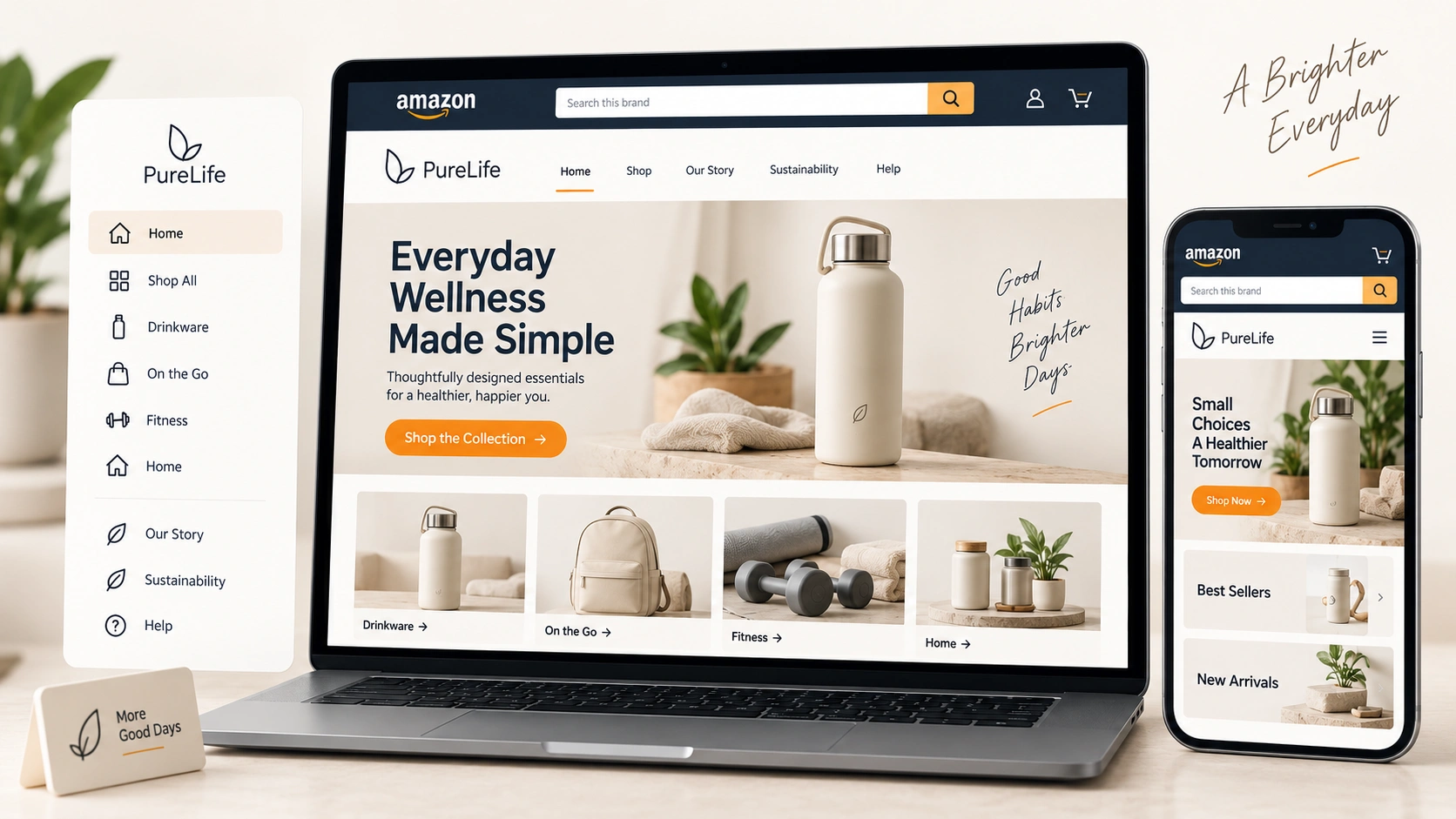
The storefront a brand actually controls: navigation, category pages, and the landing experience Sponsored Brands traffic arrives on. Usually the highest converting page an Amazon brand has, and usually the one nobody has touched since launch.
- Multi page Brand Store design and navigation
- Landing pages for Sponsored Brands traffic
- Shoppable modules and category structure
Brand Guidelines
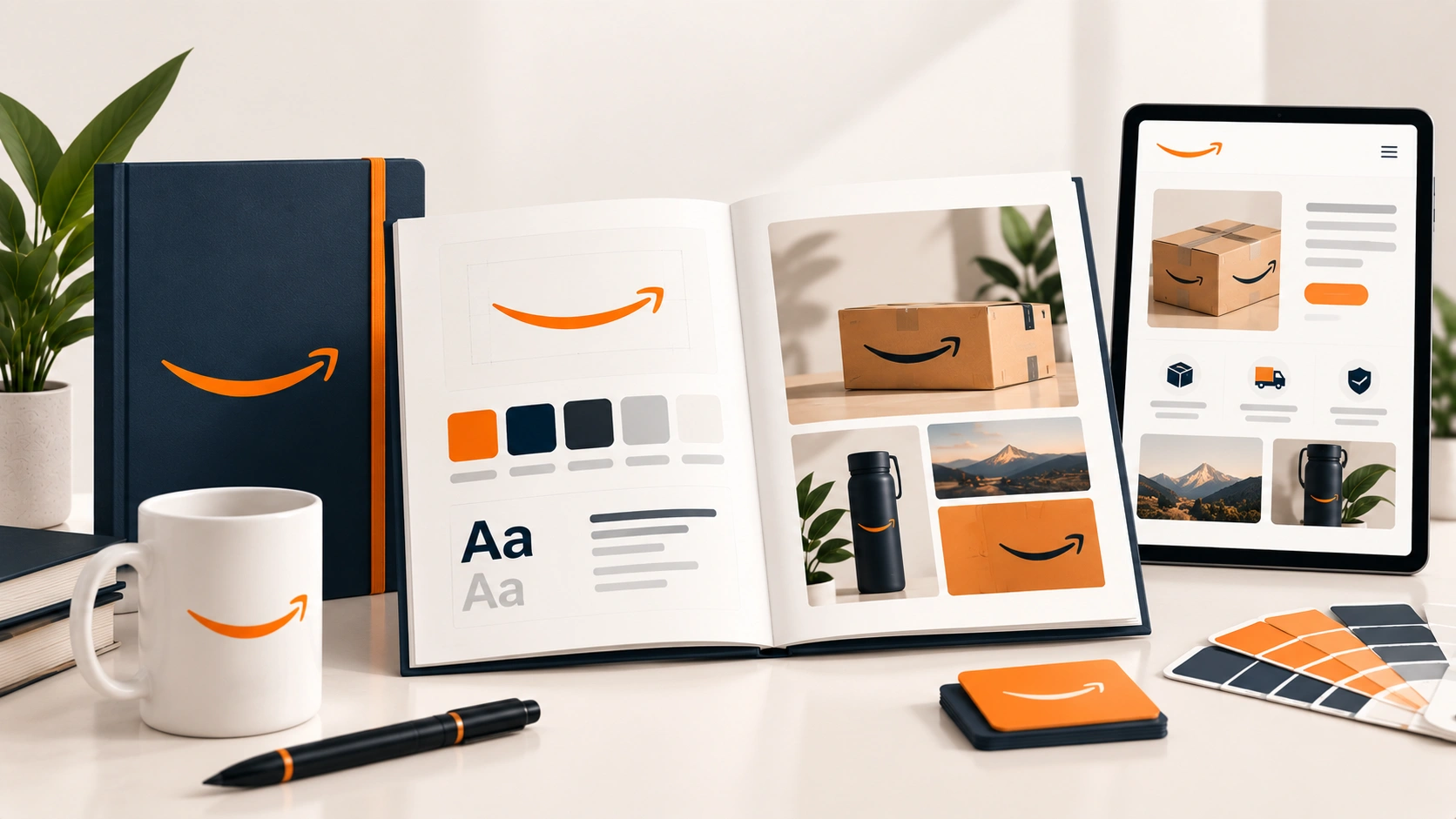
The system everything else is built from: colour, type, logo use, photography direction, tone and the rules for applying them across channels. Written so a third party can follow them, which is the test of whether guidelines are guidelines or a mood board.
- Colour, type and logo usage rules
- Photography and art direction
- Application rules across marketplaces and ads
How it works
- 1
Audit the category, not just the listing
What the top ten results in your category look like at thumbnail size, what questions their galleries answer, and where your listing loses attention. Creative decisions made without looking at what a shopper compares you against are decisions made blind.
- 2
Agree the brand system
Colour, type, photography direction and messaging hierarchy, written down so every asset after this is consistent and so a third party could follow it. Skipping this is why brands end up with five listings that look like five companies.
- 3
Design the main image first
Before the gallery, before A+ and before anything else, because it is the only asset that competes before a shopper has read a word. Compliant, legible at thumbnail size, and prepared as variants to test rather than as one option to approve.
- 4
Build the gallery and rich content
The image sequence, then A+ or the platform's equivalent, then the Brand Store. Built in that order because each one answers the objections the previous one left, and because the gallery is seen by everybody while A+ is seen by those who scroll.
- 5
Test and measure
Split testing on the main image and on A+ where the platform supports it, measured on click-through rate and conversion rather than on preference. Most main image assumptions are wrong, including ours, which is the reason to test rather than to argue.
- 6
Refresh on decay
Monitoring the category and refreshing when performance slips rather than on a schedule. Competitors update their creative, and a listing that stops winning the click rarely announces it.
Frequently asked questions
Other services we offer
- Product Listing Optimization
Product Listing Optimization
Product listing optimisation for Amazon, Walmart, eBay and TikTok Shop. Titles, bullets, backend fields, images and variations, measured on conversion.
Learn More - Conversion Rate Optimization
Conversion Rate Optimization
Conversion rate optimisation for eCommerce: funnel analysis, page and offer work, checkout friction and testing that reaches a decision.
Learn More - Listing Images
Listing Images
Amazon listing image design priced per ASIN: a compliant main image, infographics, lifestyle and comparison images, from five images to ten, zoom ready.
Learn More
Loading case studies