Giving an Outsourced Team Access to Amazon Seller Central, the Way Amazon Says To
Handing work to an outside team means someone else inside your Seller Central account. How Amazon's user permissions work in Amazon's own words, the minimum each task needs, why the primary login stays with you, and what Amazon says about third-party service providers.


Loading Article banner
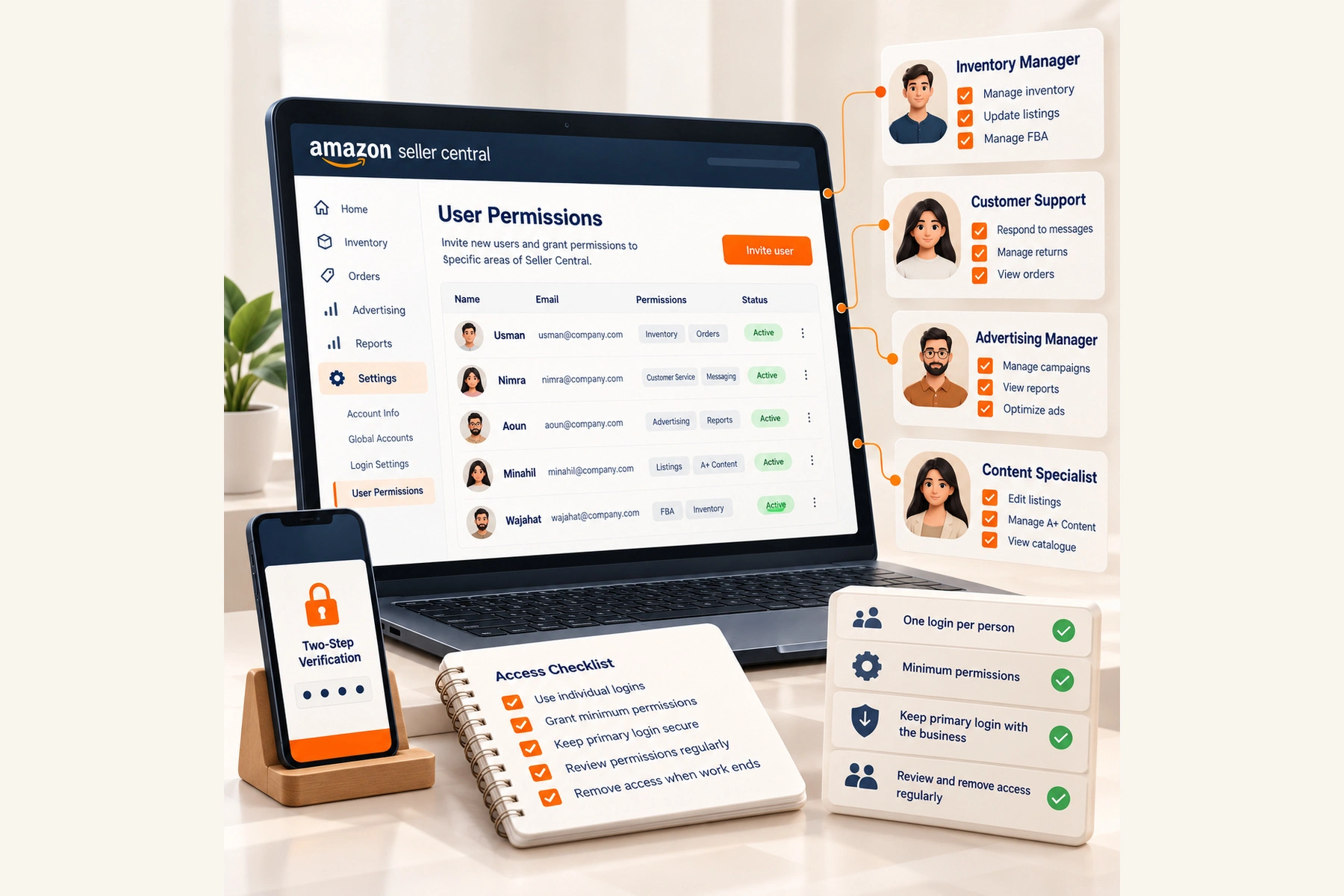
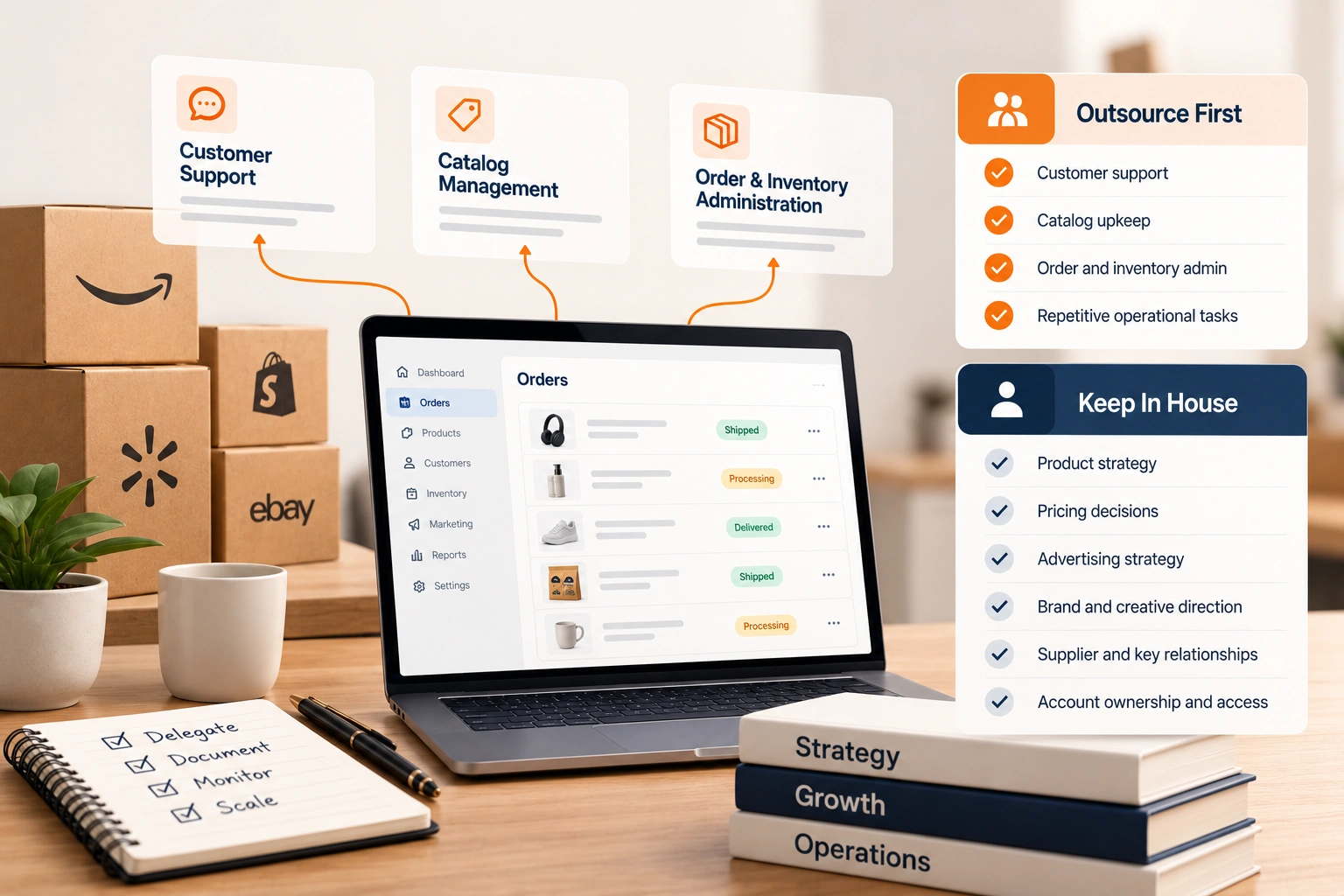
Deciding what to hand over is the first half of outsourcing. The second half is how the people doing the work get into your account, and it is the half that goes wrong quietly: a shared password, a former assistant who can still log in, a contractor with the power to change everything because nobody chose otherwise.
Amazon has written down how it expects access to work. This is that guidance in Amazon's own words, from posts its staff made on the Seller Forums, and how we apply it when a team takes over part of an account.
The primary login stays with the business
Every Seller Central account has a primary user, and Amazon's staff are plain about how it is protected: "Two-Step Verification is required in order to access your Seller Central account." The second step is a code Amazon sends "to a device that you choose via an SMS message, voice call, or an authenticator app," and Amazon calls it "your best protection against unauthorized access to your seller account, even if your password gets stolen."
That is the practical reason a team should never work from the primary login. Sharing it means sharing the second step as well: the phone, the authenticator or a running relay of codes. The protection Amazon describes only exists while that device stays with the person who owns the account.
The setting itself is under Settings, then Login Settings, then Edit beside Two-Step Verification. If the device on it belongs to someone who has left, change it before anything else.
How user permissions work
Amazon's model is one login per person. In its staff's words, "a secondary user is invited by the primary user, through User Permissions," and "a primary user can grant certain permissions to a secondary user," so that "other users can complete tasks such as manage inventory or handle shipping confirmations."
The invitation takes a few minutes. Go to Settings and click User Permissions, select the account you want to add the user under, enter their contact information and click Send invitation, then ask them to follow the instructions in the email. Two conditions catch people out. The new user "will need a brand-new email address that has not been used on any Amazon account before," and the feature "is only available to sellers that have subscribed to the professional selling plan."
Each person then signs in with their own email and their own second step. That gives you three things a shared login cannot: you know who did what, you can remove one person without disturbing anyone else, and nobody but you can reach the settings that matter most.
Grant the minimum, and never the right to grant
Amazon's advice on what to give is short: "grant the minimum permissions required for them to do their job." A person answering buyer messages needs the messaging pages, not payments. A person maintaining listings needs inventory, not user management.
One permission deserves its own warning, and Amazon gives it: "Be careful about granting users the ability to manage the permissions of other users, as this essentially makes them another administrator of your account." Keep that one with the business. Whoever holds it can grant themselves anything else.
Then keep the list honest. Amazon's staff put it as "regularly review the permissions granted to your users." In our practice that means a review on a fixed day each month, and the same day a person leaves the work, their user is removed rather than left dormant.
What Amazon says about service providers and developers
The same Amazon post draws one more line, and anyone outsourcing should read it before inviting a provider: "Don't add external third-party service providers or developers as secondary users. They can be added as an authorized partner instead."
Software is the clear case. A tool that reads your orders or edits your listings connects by being authorised, not by being given a person's login. For a team of people working on your account by hand, the arrangement is worth confirming against Amazon's current help page, Set and edit User Permissions, which is behind the sign in, and with Seller Support if it is unclear for your account. We would rather you set it up the way Amazon describes than the way that is quickest.
Whatever the route, the principle does not change: named access for named work, nothing shared, and the account owner able to see and remove every connection.
A permissions plan before the work starts
Before a team starts, write down three things. Which tasks they own, from the list agreed when you decided what to outsource first. Which pages of Seller Central those tasks need, at view or edit. And who in the business holds the primary login, the second step and the right to manage permissions.
Keep anything that touches identity and money with the business: deposit methods, the legal entity, and the verification Amazon asks of the account holder. When Amazon asks the business to verify under the INFORM Consumers Act, the answer has to come from the owner, not from a contractor's login.
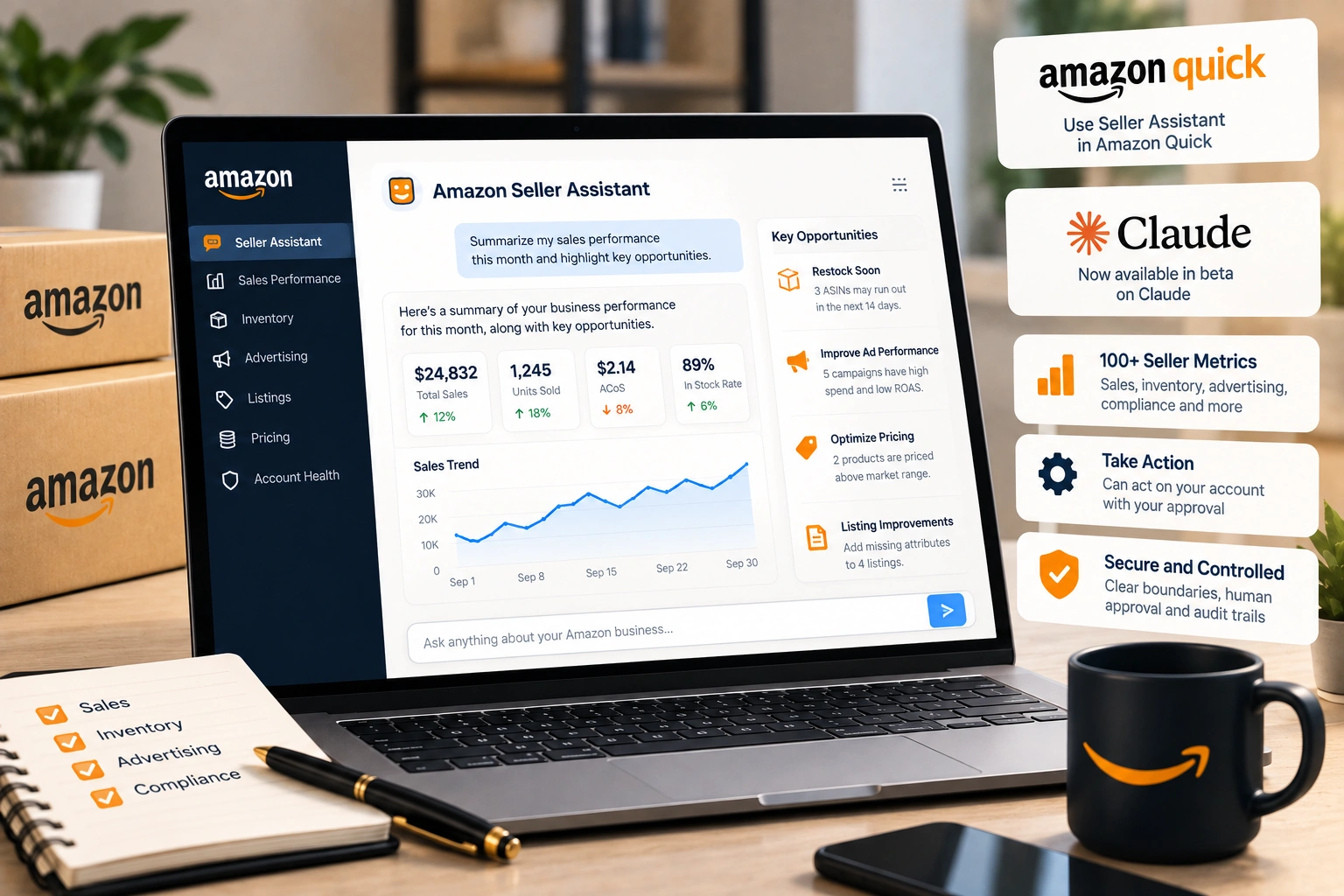
Agree how the team escalates what it cannot fix. Some problems end in a case with Amazon, and Seller Support cases that actually get resolved share a shape whoever opens them. New tools that connect to the account, like Amazon's seller assistant for Claude, sit alongside those users and deserve the same review.
More than one marketplace
A brand selling in several Amazon stores does not need a separate invitation for each. Amazon's staff note that "you can upgrade any users added on your merchant account to have access to your global accounts." Decide deliberately whether a person needs that. Someone handling buyer messages for the US store has no reason to see the European accounts, and the minimum rule applies across stores as much as across pages.
Where a team does work in several stores, write the stores into the permissions plan next to the tasks. It is the line most often forgotten when someone's role grows: access added for one project and never taken away when the project ends.
When the arrangement ends
The day a team or a person stops working on the account, take their access away that day, not at the next review. In our practice the order is fixed. Remove each of their users in User Permissions. Check the Two-Step Verification device on the primary login is still one only the business holds. Review any software they connected and remove what nobody now uses. Then read the permissions list once more from top to bottom, because the user nobody remembers is the one that matters.
It is also worth keeping the plan you wrote at the start. It tells whoever comes next exactly what the previous team could reach, which is the first question anyone asks when something in the account looks wrong.
Handing over without handing over the keys
Outsourcing works when the business keeps control and the team has exactly what the work needs. Our BPO services start from that plan: the tasks, the access each one needs set up the way Amazon describes, and a review of who holds what before the first week ends.
Frequently asked questions
The questions that come up most often on this subject.
In Seller Central, go to Settings and click User Permissions, select the account to add the user under, enter their contact information and click Send invitation. The new user follows the instructions in the email. Amazon's staff note the feature is only available on the Professional selling plan.
Amazon's staff say a secondary user "will need a brand-new email address that has not been used on any Amazon account before." An address already tied to another Amazon account, a buying account included, will not work for the invitation.
No. Two-Step Verification is required on Seller Central, so sharing the login also means sharing your second step, which Amazon calls your best protection against unauthorized access. Invite the assistant as their own user with only the permissions their tasks need.
The right to manage other users' permissions. Amazon warns that granting it "essentially makes them another administrator of your account," because whoever holds it can give themselves any other access. Keep it with the account owner.
Amazon's staff advise against it: "Don't add external third-party service providers or developers as secondary users. They can be added as an authorized partner instead." Software connects by being authorised; for people working in your account, confirm the right setup on Amazon's current User Permissions help page or with Seller Support.