Google Ads Lead Form Extensions, Now Lead Form Assets: Setup, Lead Quality and When an Act Should Use One
A planner can ask for a date without leaving Google, through the form once called a lead form extension. How the lead form asset works, the settings that decide lead quality, where the leads go, and when an act does better with its own page.


Loading Article banner
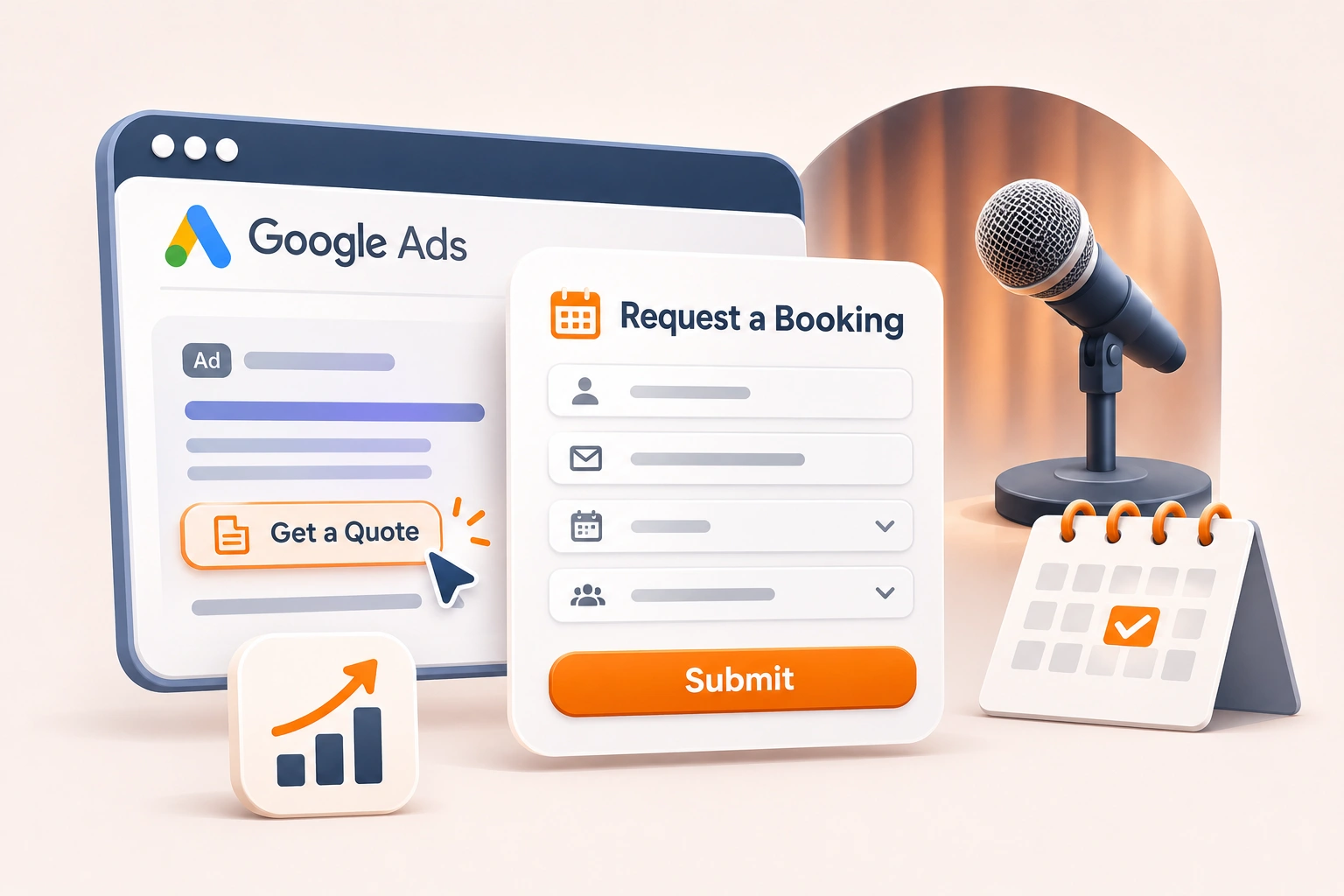
A planner who finds an act on Google can ask for a date without leaving the search results, through the form Google used to call a lead form extension and now calls a lead form asset. For a speaker or performer that sounds ideal: fewer steps, more requests. The catch is lead quality. Google’s own help page says its invalid traffic filters “don’t prevent invalid leads on their own”, and a form inside an ad is easy to send without much thought.
This covers what the asset is, how to set one up, the settings that decide whether its leads are real, where they go, and when an act does better sending planners to its own page. It also covers the planner who would rather phone, now that call ads are being retired. What to count once an enquiry is real is covered in how a speaker or act tracks booking enquiries in Google Ads.
Lead form extension or lead form asset: the same thing
Google’s help pages call it a lead form asset. The older name, lead form extension, survives in searches and in corners of Google’s own pages, which still say to download leads from the extensions table. It lets people “submit their information in a form directly in your ad”. It runs in Search and Performance Max campaigns, on desktop and mobile, with responsive search ads. One lead form can be added to a campaign, and one can be set at account level.
The basic requirements are a good history of policy compliance, a business outside the sensitive categories Google excludes, and a privacy policy, which you link when creating the form and which appears at its end. The formats that open straight to a form, in Display or from a Search headline, carry extra conditions on spend and advertiser verification.
Setting one up
In a new campaign, Google’s steps are to choose Leads as the objective, add the conversion goal Submit lead form (Google hosted), and pick Search or Performance Max. In Search the form is added under Ads, with + Lead forms; in Performance Max, under Assets and More asset types. An existing campaign can take one from the Assets page if its goal is Leads. The form has a headline, the business name, a description, a call to action, the questions, the privacy policy link, and a submission message people see after sending it. The first time, you accept Google’s terms.
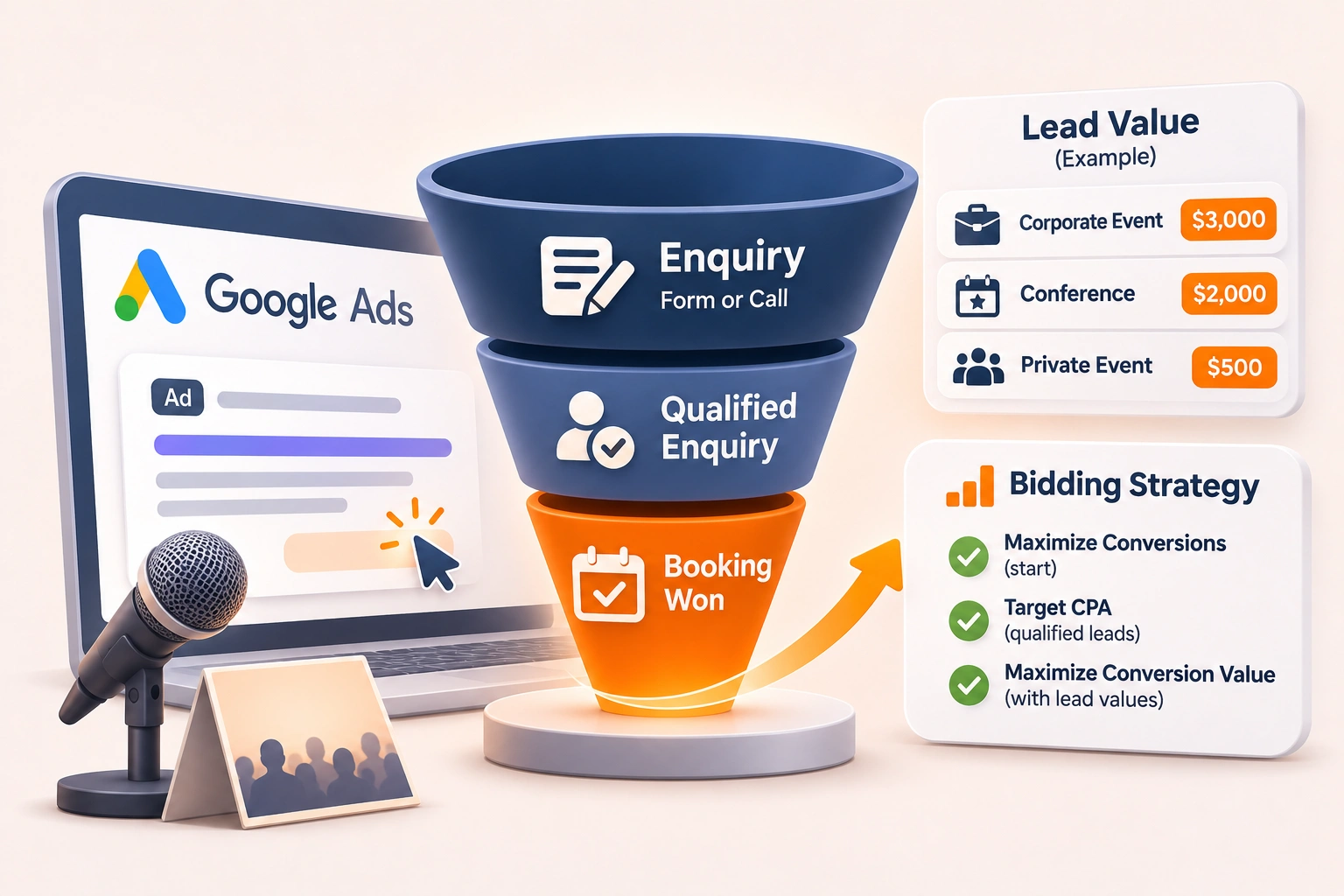
Two serving conditions are easy to miss. Google says the campaign should use a conversion-focused bidding strategy, and that it must be optimised towards a Google lead form conversion goal, even when it also optimises for other conversions. A form on a campaign that bids for clicks may never show in the lead form format at all.
The questions that decide who sends one
Every form asks for at least one of name, email or phone, and Google requires an email address or phone number from whoever submits it. Custom questions are added under + Question. For a keynote speaker, a corporate magician or a mentalist, this is where quality comes from. The event date, the city or venue, the type of event and the audience size are questions a planner expects to answer and a stray visitor or a bot answers badly, and they are exactly what the act needs in order to quote.
Two settings turn those questions into a filter. Qualifying responses let you mark a multiple-choice question as qualifying and choose the answers that signal a strong lead; matching submissions are tagged as qualified leads in what Google sends you. Qualifying questions cannot be optional. Other questions can be, which Google suggests as a way to improve submission rates. For an act, the date and the city are the two not to make optional.
More volume or More qualified, and phone verification
The form type is the largest single lever on lead quality. More volume, the default, uses a design with fewer steps. More qualified adds steps and usually brings fewer, more interested leads. Our reading is that a booking act should start on More qualified, because losing a casual request costs less than an hour spent answering one.
Phone number verification goes further. It sends a one-time code by text that has to be entered before the lead is sent to you, “filtering out invalid numbers, automated spam, and bots”, in Google’s words. Google supports it in Search campaigns only, and the code expires after 15 minutes, so the planner needs the phone to hand.
Where the leads go, and how long Google keeps them
A lead sitting in Google Ads is a lead nobody has answered. Google offers a CSV download, an email for each lead, a webhook to a CRM, the Google Ads API and a Zapier connection. Its help page says leads are stored for 60 days, but that only the last 30 days can be downloaded, so a form that relies on somebody remembering to download it loses enquiries. Set up the email notification at the least, and a webhook if the act works from a CRM, so each request reaches whoever replies while the planner is still choosing.
When an act does better sending planners to its page
A planner who books from a form in the ad has not seen the reel, the client names or the testimonials, which is most of what sells an act. Our reading is to send planners to the page, where the booking form sits near the top beside the reel, and to use a lead form asset where that page cannot be fixed quickly or the market rewards speed over persuasion.
Either way, the page’s own form needs the three safeguards Google names: reCAPTCHA, double opt-in through a confirmation email, and server-side checks of the email domain and phone number before an enquiry is accepted. Count only accepted submissions as conversions, so bidding learns from real enquiries, and if people start the form and leave, find the step where they leave before testing a fix.
If the planner phones instead
Google is retiring call ads. All options to create a new one were removed in February 2026, and existing call ads stop receiving impressions in February 2027. The number now goes on a responsive search ad as a call asset, which can be scheduled to show only on the days and hours somebody can answer, and not during a Friday evening show.
With call recording on, Google’s AI-qualified call leads use Google AI to judge each recording for intent, and Google says it now filters out robocalls, spam calls and misdials that used to pass the call length threshold. It applies only where both numbers are in the United States or Canada, callers hear a short message saying the call is recorded, and you agree to Google’s Call Ads Supplemental Terms. Google’s pages say recording is now on by default. The dates, April 2026 for the feature and 1 July 2026 for the default where no choice had been made, are reported by the trade press rather than shown on those pages. Decide it deliberately, under Admin, Account settings, Call ads.
Junk that gets in anyway
Search partners are included by default in a new Search campaign, and Google says their clicks “may not always reflect highly targeted traffic”, so judge them campaign by campaign by the enquiries they bring. General keywords bring general callers; Google’s advice is to remove them, and to add content, placement and brand exclusions. For a mentalist the classic exclusion is the TV series of the same name; for most acts the tutorial and, where it is not the market, the children’s party are the others. How broader matching changes that list is in what the AI Max upgrade changes in Search campaigns. Every junk lead raises the cost of the real ones, the number behind what Google Ads actually costs.
Where this leaves a booking-driven account
This is the first thing we set up when we run Google Ads for acts and speakers who sell bookings: the lead form asset only where it earns its place, the calls and the page’s own form protected, and all of it in place before any budget is spent, in the client’s own account. If your booking requests have turned to junk, tell us about the act and the account.
Frequently asked questions
The questions that come up most often on this subject.
Ads whose job is an enquiry rather than a sale. In Google Ads that usually means a campaign with the Leads objective that either sends people to a page with a form or a phone number, or collects their details inside the ad with a lead form asset, the format once called a lead form extension. For a speaker or act the enquiry is a booking request, so the campaign is judged by requests and bookings won, not by clicks.
Yes. Google’s help pages now call it a lead form asset, and lead form extension is the older name, still used in searches and in places on Google’s own pages. It is a form inside the ad that lets people send their details without visiting your website. It runs in Search and Performance Max campaigns, one per campaign, and it needs a link to your privacy policy, which appears at the end of the form.
Usually because the form is easy to send and the traffic is broad. Google’s own help page says its invalid traffic filters do not stop invalid leads on their own. On a lead form asset, choose More qualified, add qualifying questions and turn on phone verification in Search. On your website’s form, add reCAPTCHA and server-side checks. In the account, review search partners, which are on by default, and remove general keywords that bring people who were never going to book.
Google’s help page says leads are stored for 60 days, and that only the last 30 days can be downloaded as a file; the Google Ads API can export up to 60 days. Do not rely on downloads. Set up an email notification for each lead, or a webhook to your CRM, so every request reaches whoever answers it while the planner is still deciding.
Yes. Google’s help page says all options to create a new call ad were removed in February 2026, and existing call ads stop receiving impressions in February 2027. The replacement is a call asset on a responsive search ad: add the number as a call asset, wait until the new ad is approved and running, then remove the old call ad. A call asset can be scheduled to show only when somebody can answer.