Your Amazon Brand Store for Black Friday and Cyber Monday 2026: The Event Version Amazon Allows
Amazon is telling brand-registered sellers to schedule a Black Friday and Cyber Monday version of their Store. What that version may contain under Amazon's Stores rules, the Featured Deals widget and the approved layout, and the 2026 dates by which it has to be submitted.


Loading Article banner
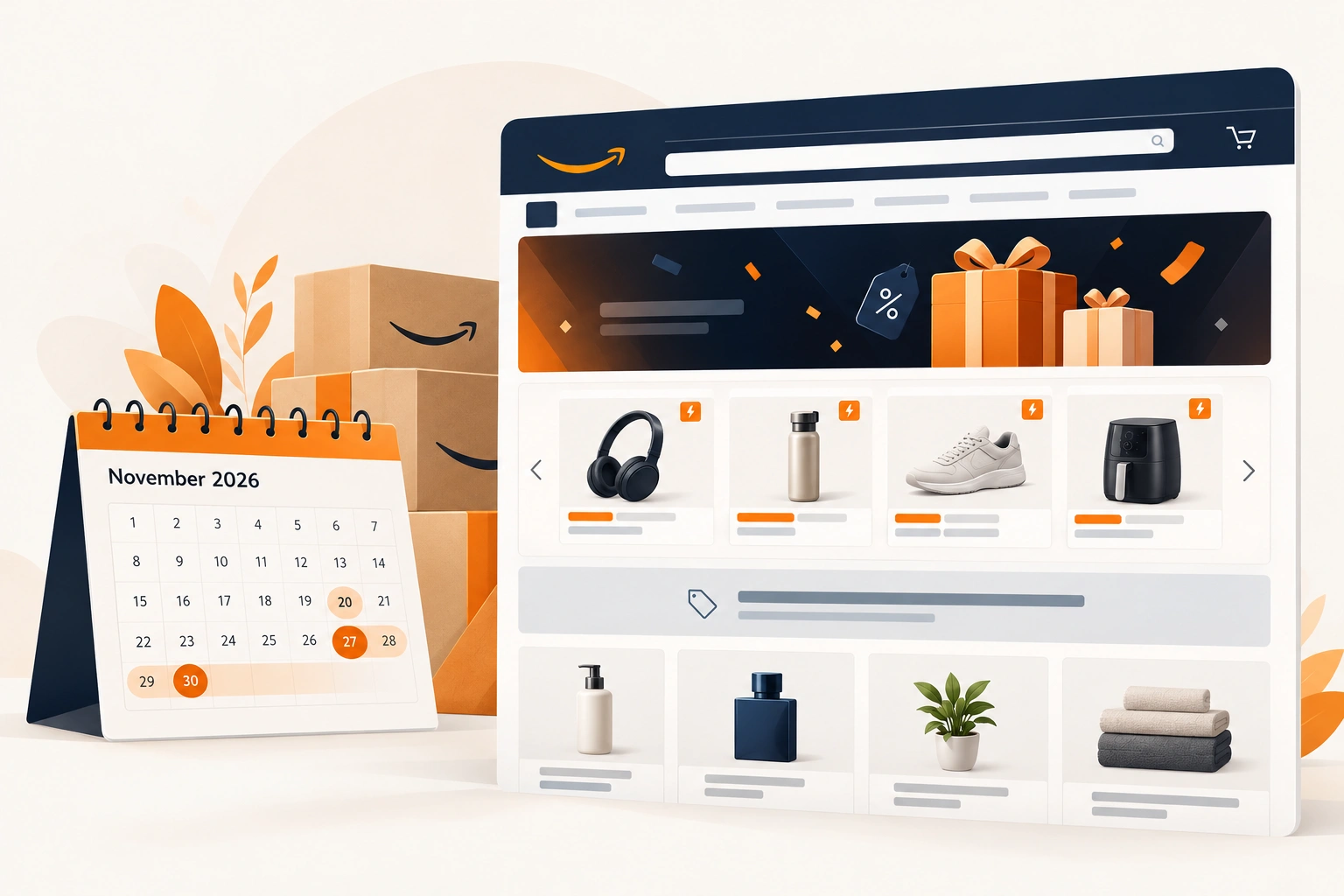
Amazon put it in one line in its pinned Black Friday and Cyber Monday post on the Seller Forums: "If you're brand-registered, schedule a BFCM version of your Store." The same post gives the layout (the Featured Deals widget on top, a text banner in the middle, a product grid at the bottom) and the deadline: "Submit it at least 48 hours before your start date."
In our experience, Stores that get this wrong get it wrong in the same places: a deal claim outside the widget, a widget with nothing in it, or a version submitted too late to go live. This is the event version Amazon's rules allow, with the 2026 dates worked out, for a brand that already has a Store. If the Store itself is new, what a Brand Store is for is the place to start.
Deals live in one place: the Featured Deals widget
Amazon Ads' Black Friday and Cyber Monday guide is specific. "The Featured Deal widget (FDW) shows products with active promotions", it is used for every deal shown in the Store, and "Promotional messaging is permitted only when used with the FDW." Three details decide whether it works.
It needs four. "At least four ASINs need to be added to activate the FDW."
It shows only deals. A product appears in the widget only while it has a deal running, so one whose deal was not accepted, or has ended, drops out. The widget's products should be the ones with deals confirmed, which is why the deals come before the Store build. Amazon announced 20 October as the close for Black Friday and Cyber Monday deal submissions. A thread pinned in the Seller Forums since gives 13 November for Best Deals and Lightning Deals, which Amazon's own announcements do not say, so check the Deals dashboard before building around a deal, and the deal rules for Black Friday 2026 for the prices those deals have to meet.
It goes first. In the guide's words, it "Must appear immediately under the header with no other elements in between." Amazon suggests its "curated set of products" mode, so the products in the brand's display ads take the first positions.
The page around it: the banner and the grid
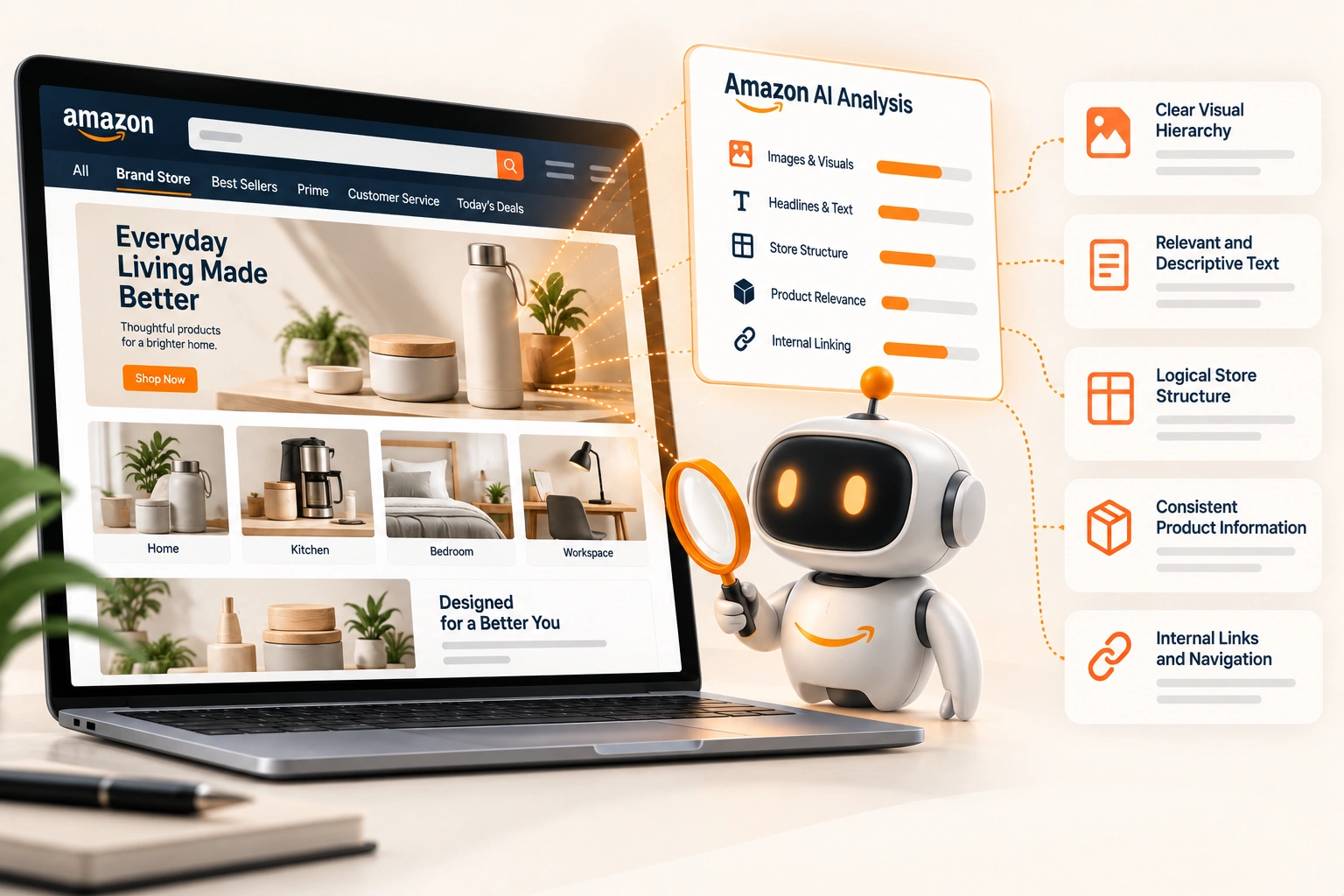
Below the widget, the guide asks for two things. A product grid is required "to ensure you always have products shown, in case there are no active deals displayed in the FDW." And the page has to make clear that the grid's products are not on deal, by "separating the FDW and product grid by a text tile" that must "indicate that the below products are not deals and use general messaging to describe the product selection."
The words are restricted too. The banner "cannot use the word 'offer,' as it would be misleading." Urgency, such as "Today only", and specific pricing, such as "$20 off Product", are not allowed, and the page's title has to suit a page of deals. The examples of general language in Amazon's Stores content policy are the register to write in: "Discover our Savings/Discounts", or "Savings on Brand or Product Name".
A brand with several sub-brands can lead with category tiles instead. The guide's example is "Shop [Brand X] for deals for her", on a tile that opens a deals page in the same Store, with its own widget.
The dates: when the version can go live, and when it comes down
Store versions are scheduled, and the guide sets three limits. A sale event version "should start no more than seven days prior to the event" and be "removed or updated within 24 hours of the event date, unless the event is considered to last longer (for example, Cyber Week)." A Store "cannot be scheduled within 24 hours of the intended start date". And Amazon asks for it "at least 48 hours ahead of the scheduled start date."
In 2026, Black Friday falls on 27 November and Cyber Monday on 30 November. Read against Black Friday, seven days puts the earliest start on 20 November, so a version starting that day has to be submitted by 18 November. Treated as Cyber Week, the event runs to Cyber Monday, and on our reading the version comes down, or is updated, by 1 December.
Our practice is to submit a week before the latest date, not on it. A version rejected for one word in a banner needs time to be fixed and reviewed again, and 48 hours is Amazon's minimum notice, not a promise of approval within it. The Store sits in the same weeks as the rest of the Q4 deadlines, and it is the one most easily left to the last day.
Where the traffic comes from
The event version earns its place from the traffic sent to it. Amazon's Prime Day 2026 guide gives rules of thumb that hold for any event: "Ensure the advertised products are prominently displayed at the top of the landing page", link to curated Store pages, and design for mobile with "clear navigation and legible text." An ad that promises a product and lands on a page where it is not near the top wastes the click, whichever ad type paid for it.
One newer format leans on the Store directly. Brand Gallery, a Sponsored Brands format Amazon launched on 28 May 2026 for reserve share of voice campaigns at the top of search for branded keywords, carries "a call-to-action linking to the Brand Store" and "a carousel of three to five Brand Store categories or collections." A brand running it through the holiday needs Store pages worth sending a shopper to. A deals page that is its own page in the Store's navigation gives the carousel one to point at; that part is our reading, not Amazon's instruction.
The same Prime Day guide described an AI feature that "builds a dedicated Prime Day page for your Brand Store" for review before it is published. Nothing we have read says whether it builds a Black Friday page, so check the Store builder in your account rather than plan on it.
Reading it afterwards
Since 12 December 2025, Amazon has rated a Store's quality High, Medium or Low on "sales attributed to your storefront rather than visitor engagement time", on the Brand Store quality tab of the Store insights dashboard, with sales compared against similar brands. An event version is a natural test of it: the same Store, two versions, a week apart. The section-level insights covered in how to build a Store Amazon's tools can read show which part of the page did the work.
The build, in order
Deals first. Confirm which products have accepted deals, and keep at least four for the widget.
One deals page, in the approved order. Widget, text tile, product grid, with the grid chosen to make sense to someone who came for a deal and found the product they wanted without one.
The words checked. No urgency, no figures, no "offer" in the banner, and a title that suits the page.
The ads pointed at it. Every campaign that lands in the Store lands on a page where the advertised product is near the top.
Submitted early, with the after planned. A week before the latest date, with the version that replaces it written at the same time.
Where we fit
Planning the event version alongside the everyday Store, writing it to Amazon's rules and reading the results afterwards is part of our Brand Store design work. If your Store has no holiday version yet, the deals you have confirmed are where we would start.
Frequently asked questions
The questions that come up most often on this subject.
Only through the Featured Deals widget. Amazon's guidance is that the widget is used for every deal in the Store and that promotional messaging is permitted only alongside it. The widget needs at least four products to activate and shows a product only while it has a deal running.
Amazon asks for at least 48 hours before the scheduled start, and a Store cannot be scheduled within 24 hours of it. A sale version should start no more than seven days before the event, so for Black Friday on 27 November the earliest start is 20 November and the submission for that start is due by 18 November. A week earlier leaves time to fix a rejection.
Usually because none of its products has a deal running, or fewer than four products were added. The widget shows only products with active promotions, which is why Amazon requires a product grid beneath it, separated by a text tile saying those products are not deals.
No. Amazon's Black Friday and Cyber Monday guidance rules out urgency language such as "Today only" and specific pricing such as "$20 off", and the banner between the widget and the grid cannot use the word "offer". General savings language, placed with the widget, is what the rules allow.
Amazon recommends one for brand-registered sellers, scheduled for the event and laid out as the widget, a text banner and a product grid. The alternative is editing the live Store, which leaves no clean version to return to and nothing to compare the event against.