Search Console's Generative AI Report: What an Online Store Can See
Since 31 August 2026 every site in Search Console has a report of its impressions in AI Overviews and AI Mode. What it counts and what it does not, the dimensions it offers, why its totals disagree, and the questions an online store can now answer with it.


Loading Article banner
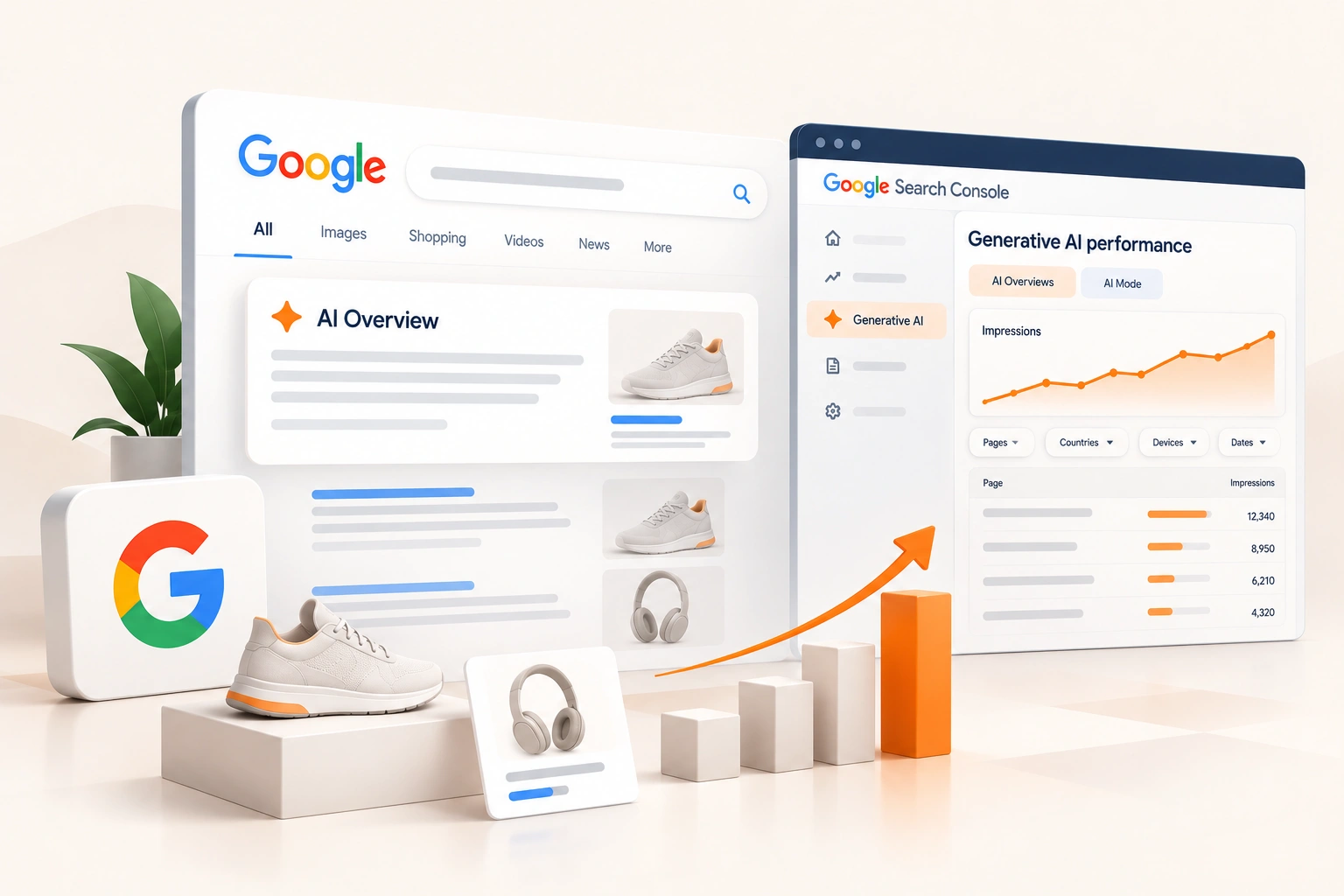
Until this year, an online store could not tell from Google's own data whether it was appearing in Google's AI answers. Impressions in AI Overviews and AI Mode were counted inside the ordinary performance report, mixed in with everything else, with no way to separate them.
On 3 June 2026 Google announced a separate view, and on 31 August it rolled it out to every website worldwide. This is what the generative AI performance report counts, what it leaves out, the numbers that will not add up and why, and the questions a store can now answer with it.
What Google launched
In Google's words, the reports are "designed to give you dedicated views of your impressions within generative AI features on Search, such as AI Overviews and AI Mode, as well as generative AI features in Discover." There are two: one for Search and one for Discover. The Search report covers AI Overviews and AI Mode, Google expects "to update this list over time", and experiments in Search Labs are left out.
The data itself is not new to Search Console. The announcement says it "is included in the overall performance report, where it will continue to be tracked". What is new is being able to see it on its own.
What it counts, and what it does not
It counts impressions: "how many times links to your site were shown to a user in a generative AI feature on Google Search." Google's announcement lists what the reports show: impressions, pages, countries, devices and dates.
It does not count clicks. Neither the announcement nor the help page offers a click or a click-through rate for the generative AI features, and Google says only that it is working on what to add, "such as adding additional metrics over time." So the report answers whether a store is being shown in AI answers, and on which pages. It does not answer whether being shown sends anybody to the store. That has to be read elsewhere: in the ordinary performance report and in the store's own analytics.
The dimensions, and the totals that disagree
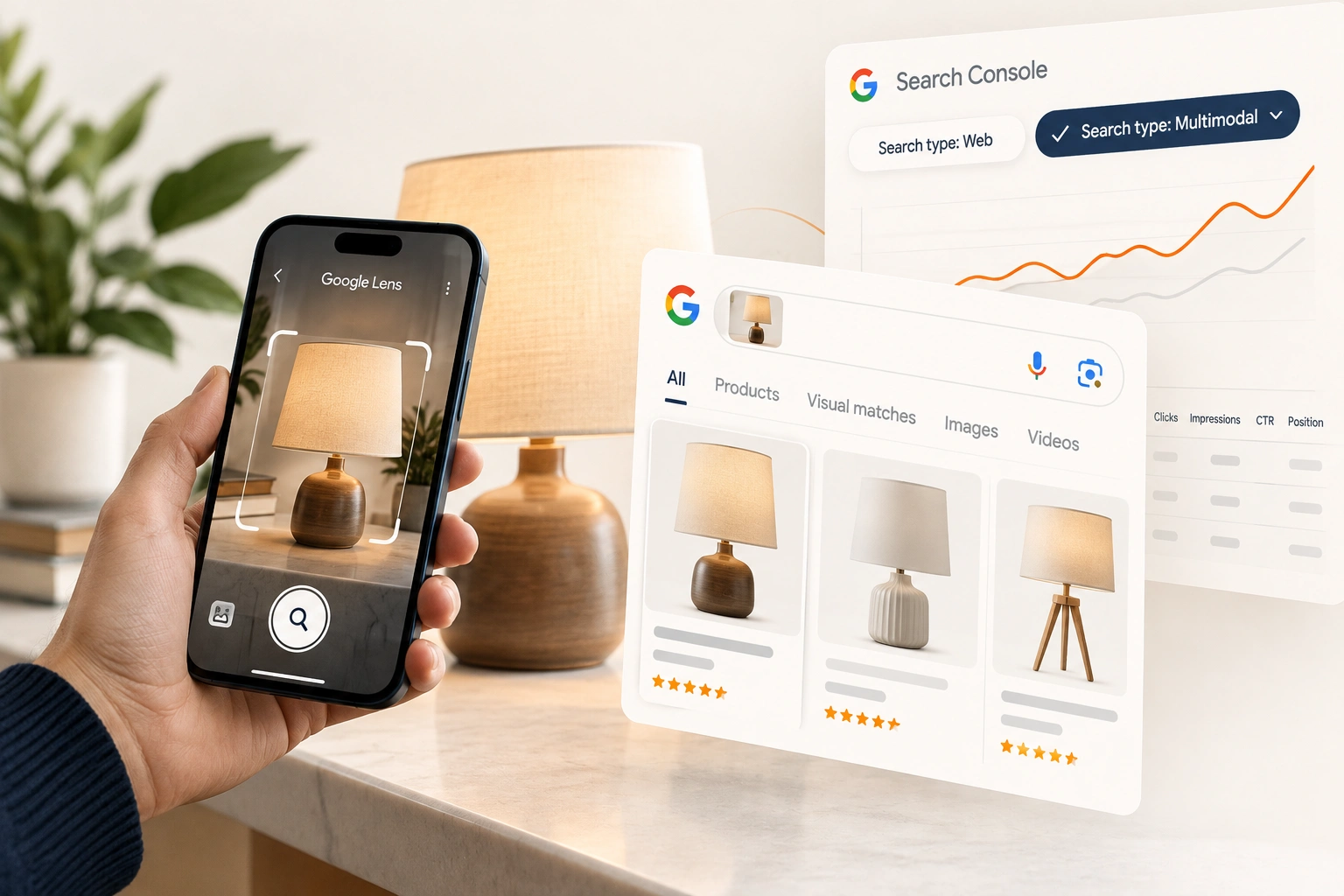
Pages groups the data by "the final URL linked by a generative AI feature after any redirects", and, like the main report, assigns most of it to the canonical URL. Countries is where the search came from. Devices is desktop, tablet or mobile. Dates follow Pacific Time. A search type filter separates typed searches from multimodal ones, made with an image through Google Lens, Circle to Search, an upload or Chrome; the multimodal filter covers what that view is worth to a store.
The totals will not match, by design. The chart counts by property: "if two results from the same site appeared in a generative AI search results feature, they count as a single impression in the chart total." The table, grouped by page, counts each page. A store with two product pages cited in one AI Overview shows one impression in the chart and two in the table. The usual limits apply too, including the 1,000 row table, and an export turns the report's ~ and - into zeros.
No report at all usually means too few impressions so far. Google adds that it can also mean a site has excluded itself from the generative AI features, and its help page links to how to include it again.
What a store can learn from it
Which kind of page is cited. Group by page and sort. A store whose AI impressions sit on buying guides and category pages is being cited for what it explains; one whose impressions sit on product pages is being cited for what it sells. Both are worth having, and they call for different work.
Which pages are missing. Export the page list and set it against the store's best sellers and its strongest pages in the ordinary report. A page with plenty of ordinary impressions and none in AI features is where to ask what the AI answer is drawing on instead. In our experience it is often a page that answers the buyer's question in words, where the store's page offers a short description and a price.
Where the attention comes from. For a store that ships to several countries, the country dimension shows whether AI answers in a new market cite it at all, before any sales say so.
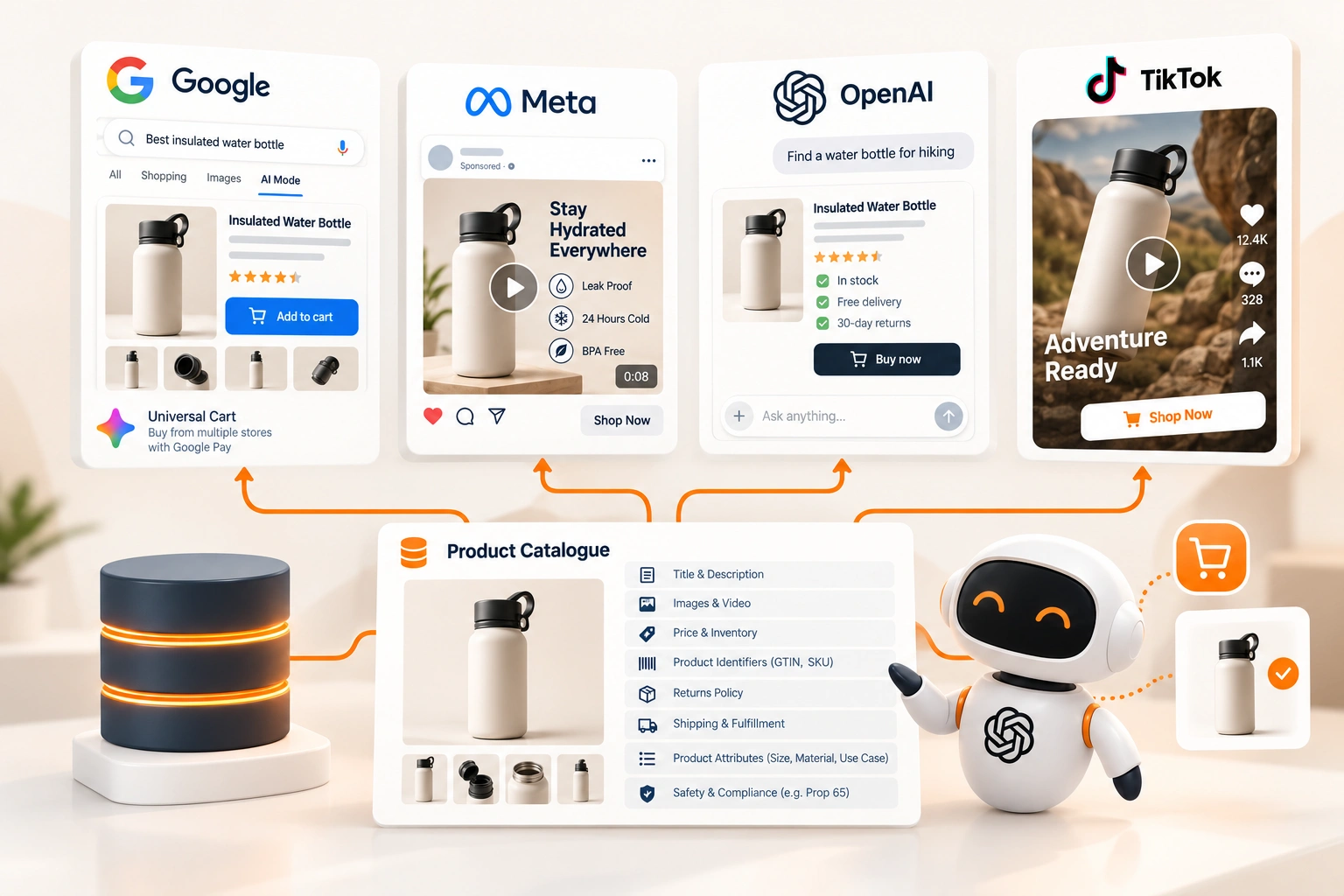
What the product data says. An AI feature can only say about a product what the page and its data say. Structured data for online stores covers the markup Google reads for products, and Shopify's agentic storefronts covers the same catalogue being read by other AI channels.
A monthly read that fits in an hour
Export the page table each month over the same date range and keep every export. A store with more than 1,000 pages should filter by section rather than read the top of one long list: one URL filter for product pages, one for collections, one for guides. Google's help page notes that once a URL filter is added the chart counts by URL, so a filtered chart is not comparable with the unfiltered one either.
Then set three figures side by side for each page that matters: its AI impressions, its ordinary impressions for the same period from the performance report, and its sales. The pages where the first is rising and the last is not are the ones to look at first. The store is being shown and not chosen, which is usually a price, a stock or a product page problem rather than a search one.
Last, remember what the report leaves out. Search Labs experiments are excluded, Discover has its own report, and the list of features covered will change, so a sudden step in the chart can be Google adding a feature rather than the store changing anything.
Reading it without fooling yourself
Impressions in an AI answer are not visits. Treat them as a measure of presence, set beside clicks and sales from the ordinary report and the store's analytics, and do not report a rise in AI impressions as growth until the sales line agrees.
Compare like with like. The chart's property count and the table's page count answer different questions; choose one per report, and say which.
Watch the trend, not the day. The newest data is preliminary and can change for some hours, which the chart marks with a dotted line.
And keep the basics. The pages cited in AI answers are the same pages judged by the ordinary rules, as what a store should check after Google's September 2026 spam update sets out, and the SEO a store needs to rank is still the ground they stand on.
How we approach it
Our eCommerce SEO work reads the generative AI report each month beside the ordinary one: the pages cited, the best sellers that are not, and the countries starting to see the store. The fixes are the ones that have always served a buyer: pages that answer the question a buyer asks, product data that is complete and true, and a site Google can crawl. The report shows where those fixes will be seen first.
Part of the guide: How Google Finds an Online Store, and What Search Console Shows of It.
Frequently asked questions
The questions that come up most often on this subject.
Yes. Since 31 August 2026 every website has a generative AI performance report in Search Console showing its impressions in AI Overviews and AI Mode, with a separate report for generative AI features in Discover. The same impressions remain inside the overall performance report.
No. It reports impressions, grouped by page, country, device and date. Google says it may add metrics over time. Visits from AI features have to be read in the ordinary performance report and in the store's own analytics.
Because they count differently. The chart counts by property, so two of a site's links in the same AI feature are one impression; the table, grouped by page, counts each page. Google lists this as a normal difference in aggregation, not an error.
Usually because the site has not had enough impressions in generative AI features yet. Google says it can also mean the site has been excluded from those features, and its help page links to how to include it.
It can be filtered by search type: Web text-based for typed queries, and Web multimodal for searches made with images, which includes Google Lens, Circle to Search, uploaded images and Chrome image search.