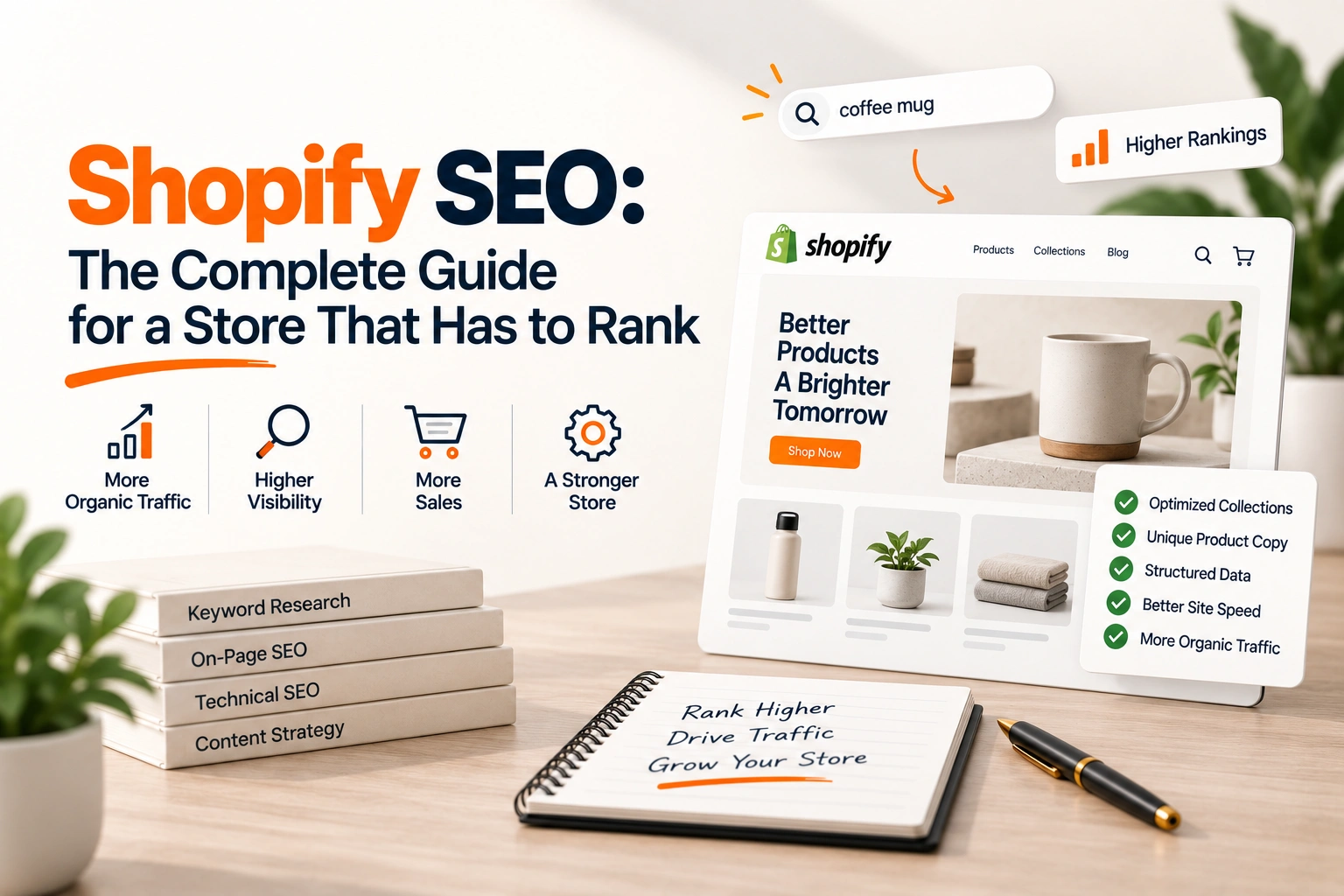
A Shopify store arrives with more of its technical SEO done than any other platform a brand is likely to use. The sitemap is generated and kept current, every page has a canonical tag, the robots file already keeps crawlers out of the cart and the checkout, and the title and description fields are where a search engine expects them. A store that gets no organic traffic is almost never failing on any of that.
It is failing on the parts Shopify cannot do for it: the collection pages that should rank for the category terms and usually cannot, product copy that is the manufacturer's and therefore every other retailer's, a theme carrying twelve apps' scripts, and structured data that stops at what the theme emits. This guide is the whole of Shopify SEO in the order to work through it. Each part has its own article one level down.
The sitemap lives at the root of every domain the store uses, at /sitemap.xml, and Shopify's own description of it is that it contains links to all products, the primary product image, pages, collections and blog posts, and is updated automatically when any of those is added. A store on the Basic plan or above with international domains gets a sitemap per domain, and each one is submitted to Search Console separately. There is nothing to build here, and an app that offers to build it is selling you a thing you own.
The robots file is set for you too. By default Shopify disallows /admin, /cart, /checkout, /search, the policy pages, and filtered collection URLs matching /collections/*+*, so that crawlers spend their time on the pages that are unique to the store. It can be changed through a robots.txt.liquid template in the theme, and Shopify's own note on that is worth quoting: it is an unsupported customisation, support cannot help with it, and incorrect use can result in loss of all traffic. Most stores never need to touch it.
Canonicals are emitted by the theme. A product reached through a collection carries a URL under that collection, and the page's canonical points at the product's own address, so the collection paths do not compete with it. Titles and descriptions are fields on every product, collection, page and post: the title field takes up to 70 characters and Shopify's guidance is to keep it to 60 so it is not cut, the description is written to 160, and a blank title falls back to the shop name and the content title in the theme's order.
Two things are fixed and worth knowing before a migration. The path prefixes are Shopify's: a collection is at /collections/handle, a product at /products/handle, a page at /pages/handle and a post at /blogs/blog/handle, and only the handle is yours to set. And an image's file name cannot be changed once it is uploaded, so an image named IMG_4821.jpg stays that way in search until it is renamed and uploaded again.
Structure first: the collection is the page that should rank
The category terms a store wants, the ones with the search volume, belong to collection pages, because a search for a category is answered by a page that lists the category. Shopify's structural advice is short and correct: menus whose titles describe their contents, link text that matches the page it opens, and no page more than three clicks from the home page. A store that follows it has one collection per category term, reachable from the main navigation, and no term answered by two collections.
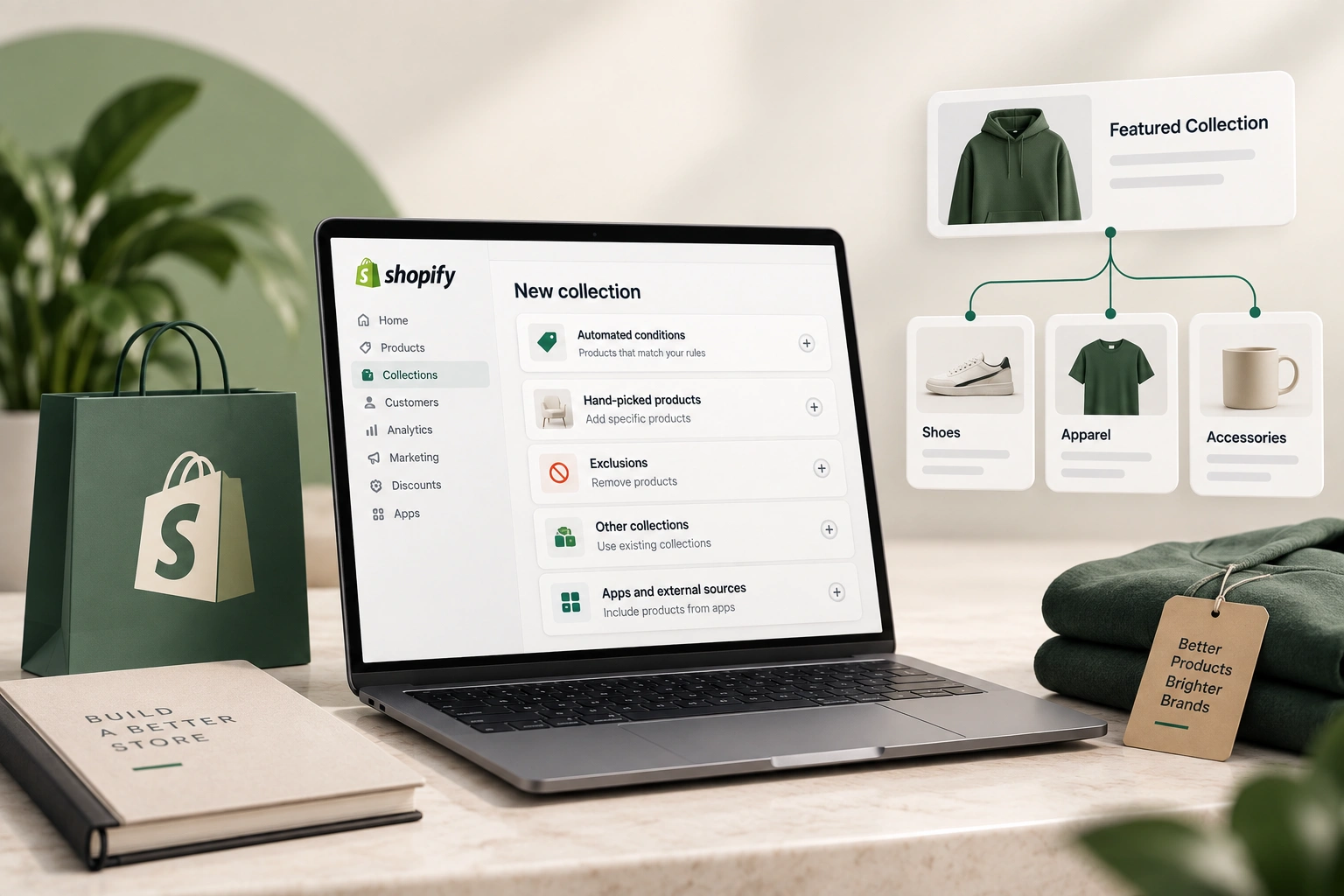
Where it goes wrong is the collection page itself, which on most themes is a grid of products under a heading and nothing else. There is no text to rank on, the filter and sort controls generate URLs the robots file has to keep crawlers out of, and the same product sits in five collections with five paths. Why that happens, and what to do about it in order, are the subject of
why Shopify collection pages do not rank.
Product pages: the copy Shopify cannot write for you
Shopify places the keywords where it should, if they are given: the title, the description, the alt text, the headings and the body. Its own advice is to put the most important term near the beginning of a title, to keep titles unique and readable, and to write each description in plain, direct language. None of that helps a store whose thousand product descriptions arrived in the supplier's feed, because the same thousand descriptions arrived in every other retailer's feed too, and a search engine has no reason to rank the twelfth copy of a paragraph.
The fix is a rewrite, prioritised by what the page can earn, not a rewrite of everything. Which products, what to write and how to keep a feed from overwriting it on the next import are in
product descriptions and supplier feeds. Alt text is the same problem in a smaller field: Shopify reads it as a keyword location, and a feed leaves it empty.
A Shopify theme is fast when it is installed and slower with every app that injects a script into it. The scripts load on every page whether the app is used there or not, and a store that has trialled a dozen apps over two years is usually still loading the scripts of the ones it uninstalled, because the theme edit the app made was never reverted. The other weight is images uploaded at camera size and drawn at a tenth of it.
The work is an audit of what the theme loads, an uninstall pass that also removes the leftover theme code, and images sized for where they are drawn. It is measurable before and after, which makes it the easiest part of this list to justify and the part most stores never do.
Most current themes emit product structured data, the product's name, image, price and availability, which is what a search result needs to show a price beside the listing. What they leave out varies: review markup when reviews come from an app, the brand, the identifiers a comparison result keys on, and anything on a collection page at all. A store without rich results usually has markup that is present and incomplete rather than absent.
What Shopify emits by default, what it commonly gets wrong, and what to add is in
structured data for online stores. It is also the part of a page an answer engine reads first, which is turning it from a nice to have into the field that decides whether the store is quoted.
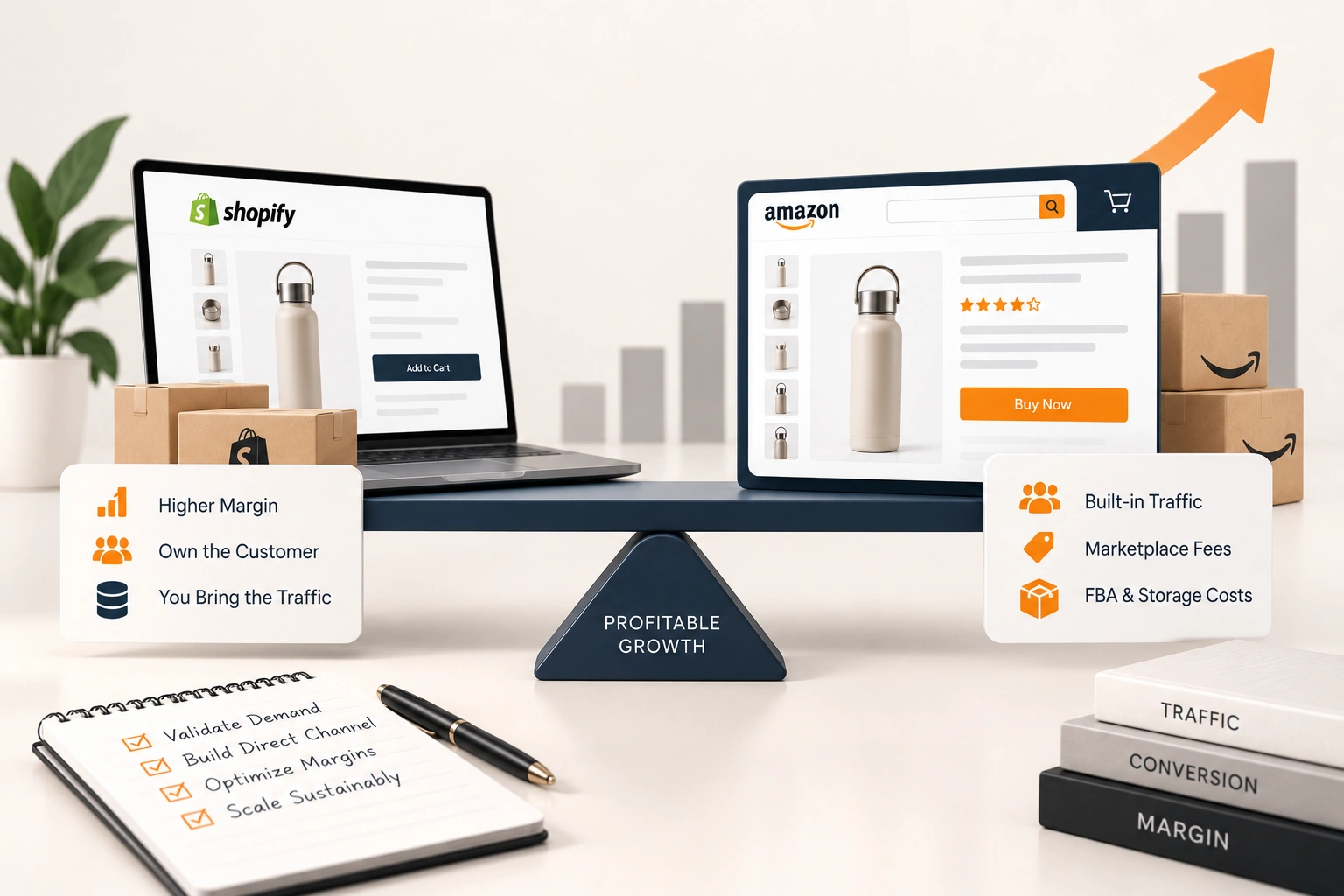
A brand that also sells on Amazon or Walmart usually brings its marketplace habits to the store: keyword stuffed titles, bullet points in place of copy, and an assumption that the platform's search is the search. On a store, the search engine is Google, the ranking unit is a page rather than an offer, and links and structure matter in a way they never do inside a marketplace. What carries across and what does not is in
eCommerce SEO against marketplace optimisation, and reading it first saves rewriting the product pages twice.
Structure, then collections, then product copy, then speed, then structured data. Structure first because everything below it inherits the URLs and the navigation; collections second because they own the terms with volume; product copy third because it is the largest job and the one that compounds; speed and structured data last because they are measurable in an afternoon and are usually done in one. A store that does the list in the opposite order, which is the order apps are sold in, ends with rich snippets on pages nobody can find.
We run that sequence for brands whose store is one channel among several, as
Shopify management alongside the marketplaces they sell on: the audit, the collection build, the product rewrite in priority order, and the theme cleaned of what it no longer needs, so the store earns the category terms rather than renting them from an ad account.
Related reading: Shopify Script Tags Are Being Switched Off: The Two Dates and What Breaks, Shopify's New Collections: Multi-Source, Variant-Level and Nested, and What to Rebuild, Shopify Payments Holds and Reserves: Why Funds Are Held and What to Do, Shopify Duties and Import Taxes at Checkout: DDP, HS Codes and the 2026 Tariffs, Shopify Traffic but No Sales: Bot Sessions or a Store Problem, Free Shipping Threshold for a Shopify Store: The Arithmetic and the Setup, Shopify Site Speed: What Actually Slows a Store Down, Answer Engine Optimization for Shopify Stores and Shopify vs Amazon FBA: Margin Against Traffic.