Search Console Platform Properties: How a Brand's YouTube, TikTok and Instagram Posts Perform in Google
Since July 2026 Search Console reports on a brand's Instagram, TikTok, X and YouTube accounts as well as its website: the searches that bring people to each post from Google Search, Discover and News. What a platform property is in Google's words, how to add one, its limits, and what a product brand learns from it.


Loading Article banner
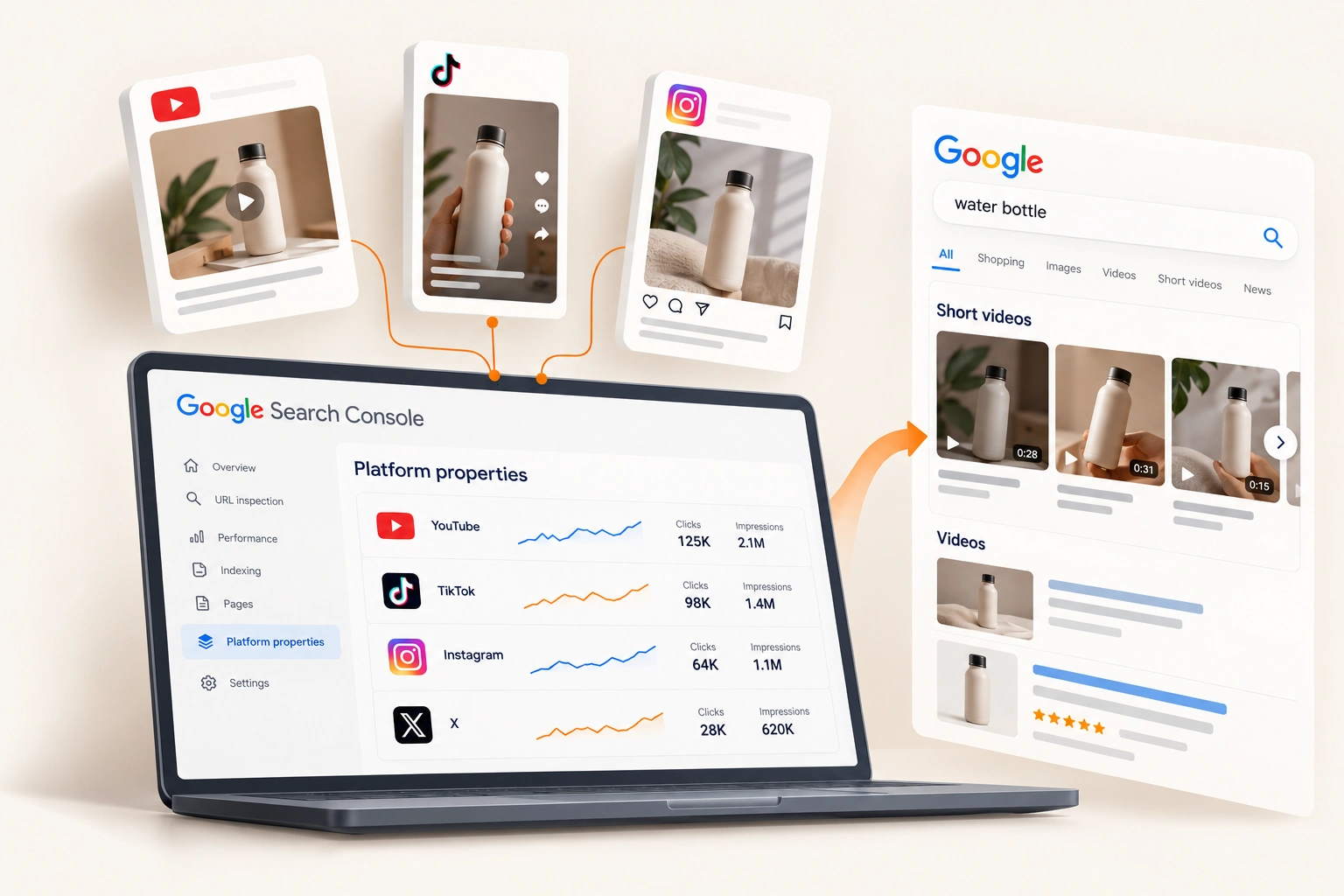
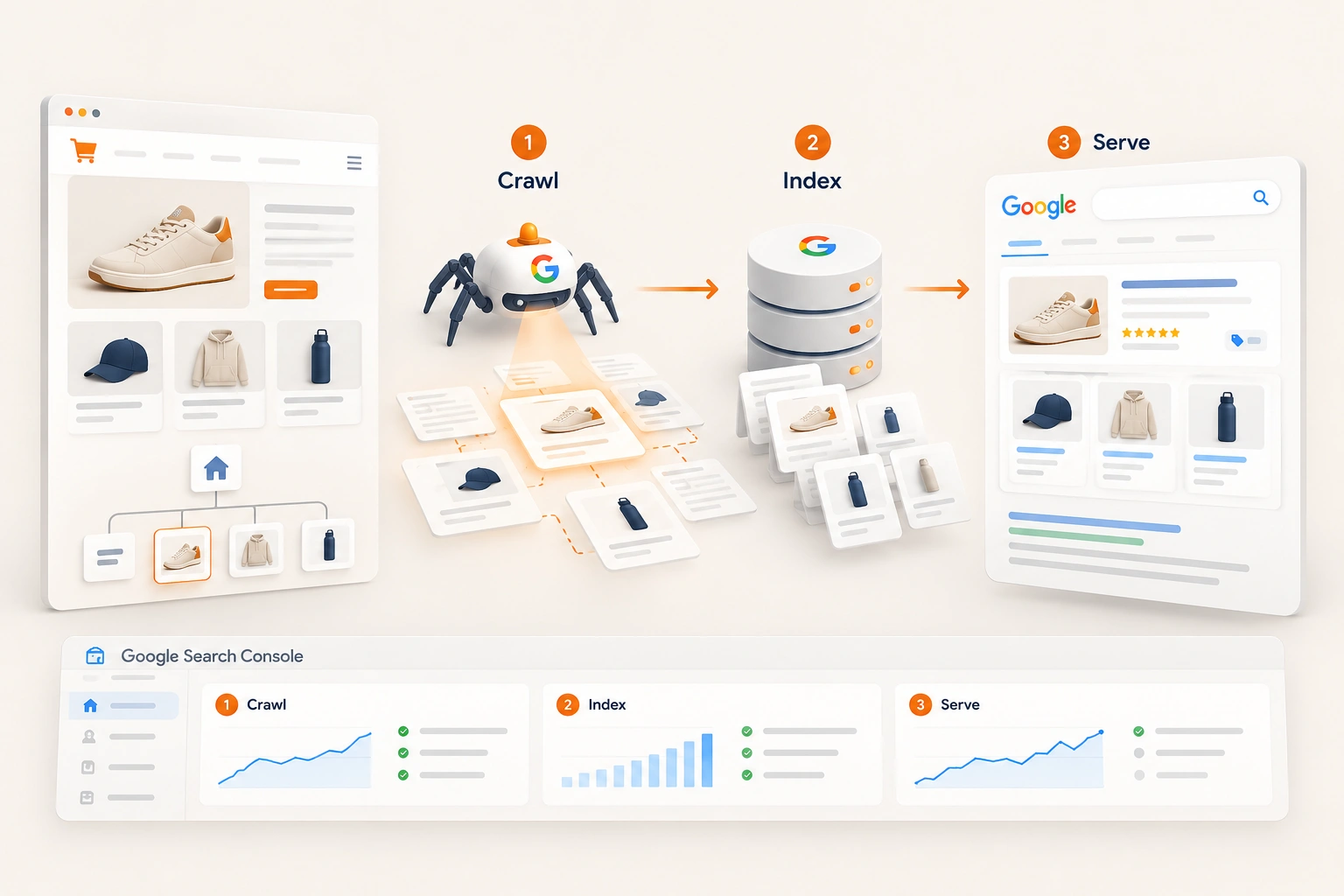
Search for a product by name and the results page often carries more than the store's own page: a row of short videos, recent posts, a carousel of what people are saying. For a product brand, some of those posts are its own. Until this summer, for almost every brand, Search Console could not say how often. It measured the website, and the brand's YouTube channel or TikTok account sat outside it.
On 7 July 2026 Google introduced platform properties, "a new Search Console property type", and on 29 July it said: "Today, platform properties are globally available to everyone." This is what one counts, how to add one, what it cannot show, and the monthly read we run beside the website's own.
What a platform property is, in Google's words
It is a Search Console property for an account on another platform rather than a website. Google supports four: "Select one of the four available platforms: Instagram, TikTok, X, YouTube." Each account or channel is added as its own property. Ownership is confirmed by following "the onscreen verification steps to securely authorize the connection", and Google adds: "For security, ownership is periodically checked."
The data is about Google, not the platform. The help page is plain: "Platform properties only show how your content performs on Google Search." The reports cover Search, Discover and News, and the Discover and News reports appear only when the account gets traffic from them.
It grew out of an experiment. On 8 December 2025 Google began showing "some of your social channels" in the Insights report "for a limited set of websites", and only for channels "that Search Console has identified automatically". Platform properties hand the choice to the account's owner: the brand adds the account itself. Google wrote the feature for creators, "even those without their own website"; the help page does not say who may add one, and on our reading a brand that can authorise its account adds it like anybody else.
What the reports show
Performance. "View total clicks, impressions, average click-through rate (CTR), and average search position for your selected property." The figures filter by post, search term, country and date, and they export.
Insights. A simpler view of the last 28 days: recent traffic, top posts, where the audience is, and a card that groups the searches bringing people in and "lets you view the top, trending up, and trending down groups."
Achievements. Milestones, such as reaching a new threshold of total clicks from Google Search over the last 28 days.
One limit decides when to start. The help page says "It takes a few days to collect and process performance metrics after setup", and a new property's charts show "data for the days since collection started." It mentions no history from before that, so on our reading every week a brand waits is a week of data it does not get back.
Where social posts appear in Google
Google's guide to analysing this content names three kinds of carousel on the results page: short videos, latest posts, and "what people are saying." On our reading, the searches that bring a product brand's posts into them include the ones its store also wants: the product's name, how to use it, how it compares.
So the video and the product page are not rivals. Both are answers on the same page, and the report finally says which searches the video is winning. That is a different job from ranking the store's own pages, and the two are read together.
What a product brand can learn from it
Google's guide is written for creators. Five of its suggestions carry straight over to a brand with a catalogue.
Searches the video wins and the store does not. Google suggests exporting data from several properties to compare platforms. Put the website's property in the comparison as well: a product search where the brand's YouTube demonstration earns the clicks and the product page earns none is a page to fix, or a page that should carry the video.
The format Google sends people to. Google's own example compares Shorts with full-length YouTube videos, and Reels with Instagram posts, by filtering the Performance report on the address, /shorts/ against /watch. A brand deciding whether to film demonstrations long or short gets an answer from search rather than from view counts. Which formats sell once people arrive is a separate question, covered in the video formats that actually sell on TikTok Shop.
Older videos coming back. Google notes that an older video can return after a seasonal moment, and suggests pinning it, referencing it on other channels or making a follow up. Product demand is seasonal too, and last year's gift guide may be earning clicks again before this year's is planned.
Titles and captions. An annotation is "basically a bookmark for a particular date in the data". Google suggests one whenever a title or caption is rewritten, then comparing before and after. Caption copy becomes something a brand can test against the words people actually search.
The day a search spikes. The 24 hour view catches the moment "a specific search term is suddenly bringing people to your new video", and Google's advice is to promote that video on another platform while it lasts.
What it cannot tell a brand
Three gaps matter. It does not show views, reach or engagement on the platform, which stay in each platform's own analytics. It does not show what happened after the click: whether the viewer went on to the store, a marketplace listing or a TikTok Shop, and whether they bought. And, as far as the help page says, it holds nothing from before the property was added.
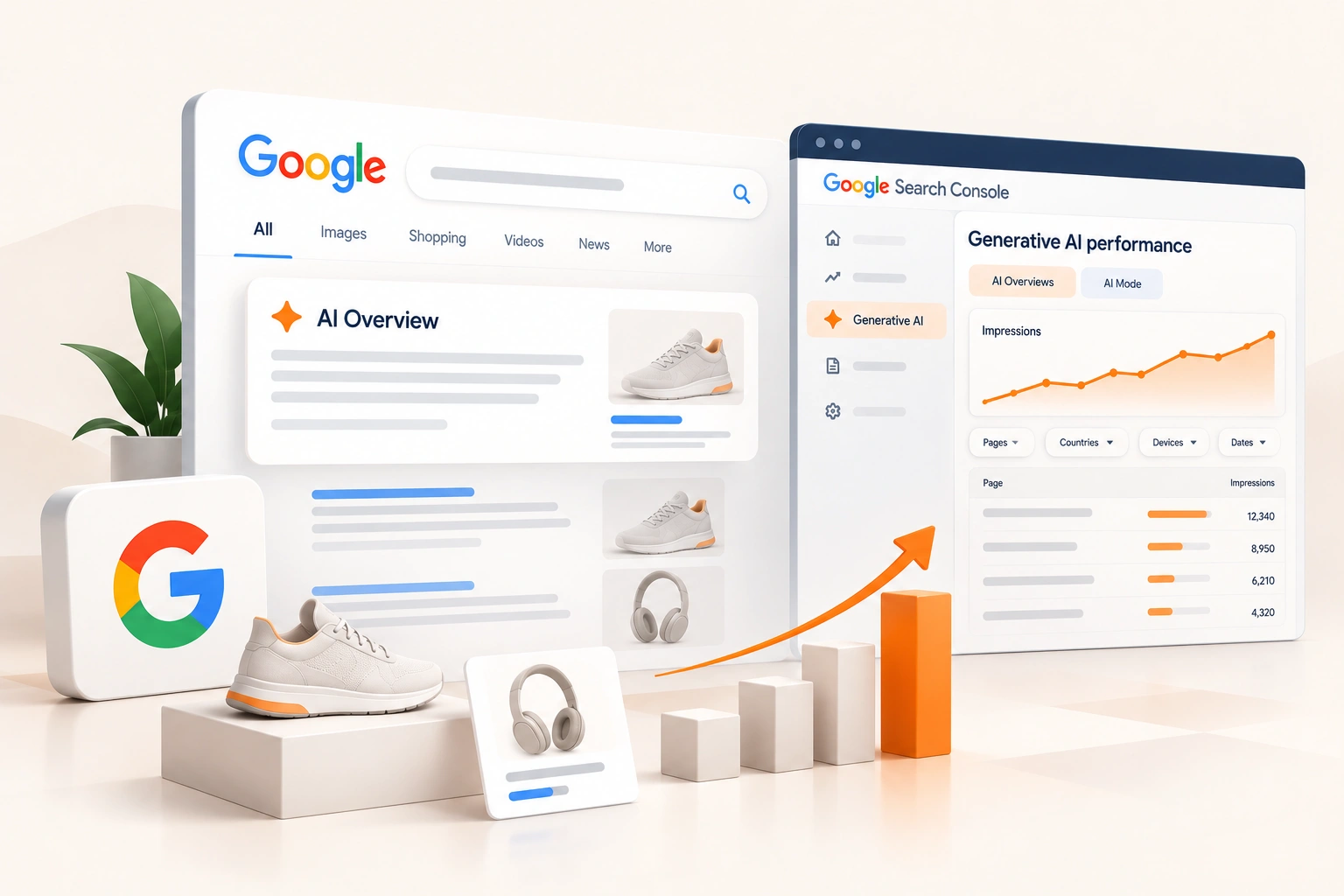
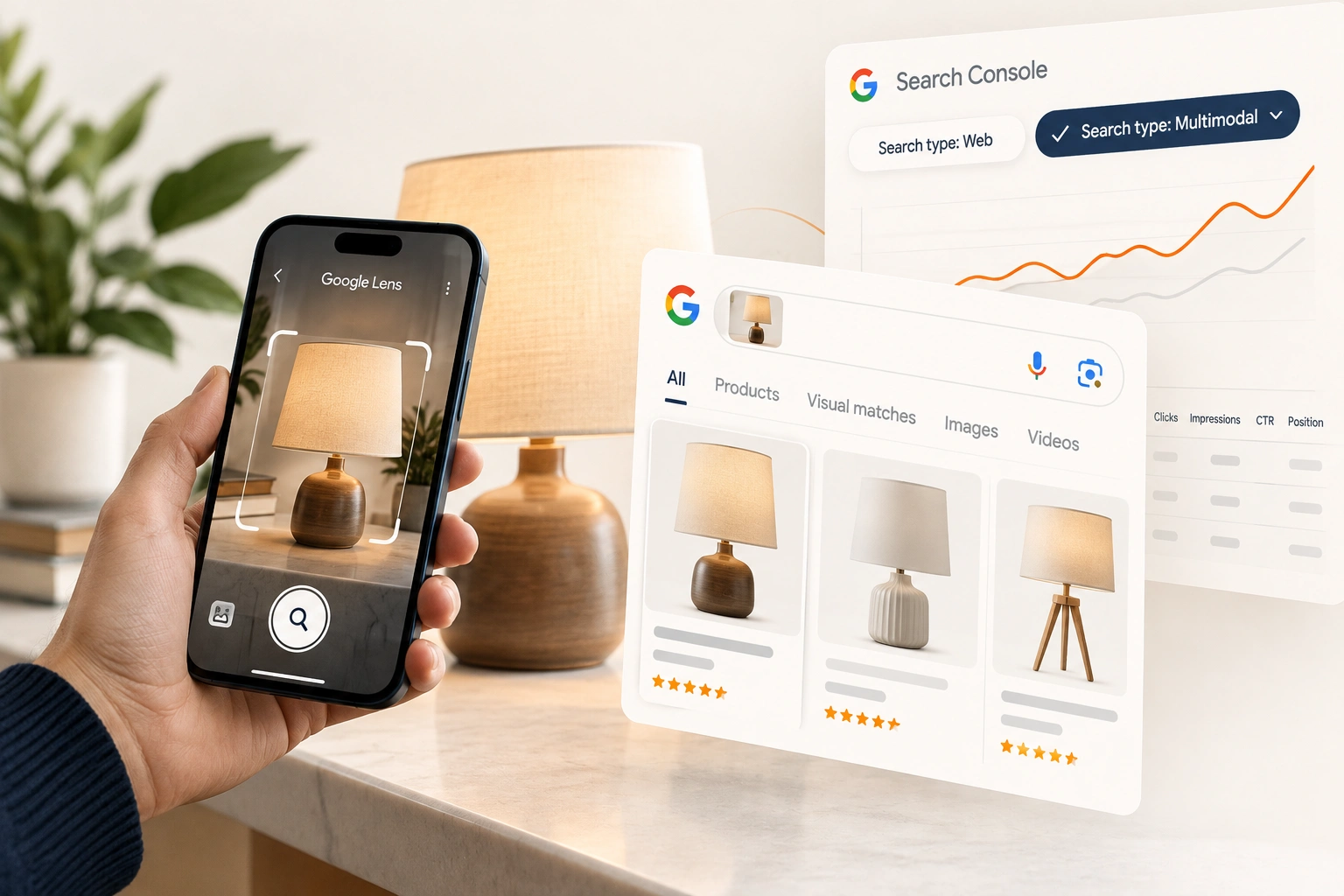
Nor does it change how the store is measured. The website's property still carries the store's searches, and the reports Google has added to it this year, the generative AI report and the multimodal filter for Google Lens traffic, are read there.
A monthly read, beside the website's
Our practice, once a month, for each account the brand posts from.
Add every account. Each channel is its own property, and its data starts on the day it is added.
List the search groups. From the Insights card, the groups trending up and down, set against the products the brand sells.
Set them beside the website's searches. A product search a video wins and the product page misses is a gap in the page: its title, its description, its structured data, or the video it does not yet carry.
Note every change. An annotation for each retitled video and rewritten caption, so next month's comparison means something.
Feed the content plan. The topics and formats search rewards go to whoever makes the content, in house or creators, with the searches attached.
Where we fit
Reading a brand's search demand across its own site and the platforms it posts on, and fixing the product pages that lose to the brand's own videos, is part of how we run eCommerce SEO for product brands. If the brand's channels have never been added to Search Console, adding them is where we would begin.
Part of the guide: How Google Finds an Online Store, and What Search Console Shows of It.
Frequently asked questions
The questions that come up most often on this subject.
A Search Console property for an account on Instagram, TikTok, X or YouTube rather than a website. Google introduced it on 7 July 2026 and made it available to everyone on 29 July. It shows how that account's posts perform on Google Search, Discover and News: clicks, impressions, click-through rate and average position, by post and by search term.
Add a property in Search Console, choose the platform, and follow the on-screen steps to authorise the connection to the account. Each account or channel is its own property, so a brand on three platforms adds three. Google says ownership is checked periodically for security.
No. Google's help page says platform properties only show how content performs on Google Search, across Search, Discover and News. Views, reach and engagement on the platform itself stay in that platform's own analytics.
Google says it takes a few days to collect and process metrics after setup, and that a new property's charts show data for the days since collection started. The help page mentions no earlier history, so the sooner an account is added, the more there is to compare.
No. Google says platform properties help creators even without their own website. A brand with a store adds them beside its website property and reads the two together, because the same product search can bring people to its product pages and to its videos.