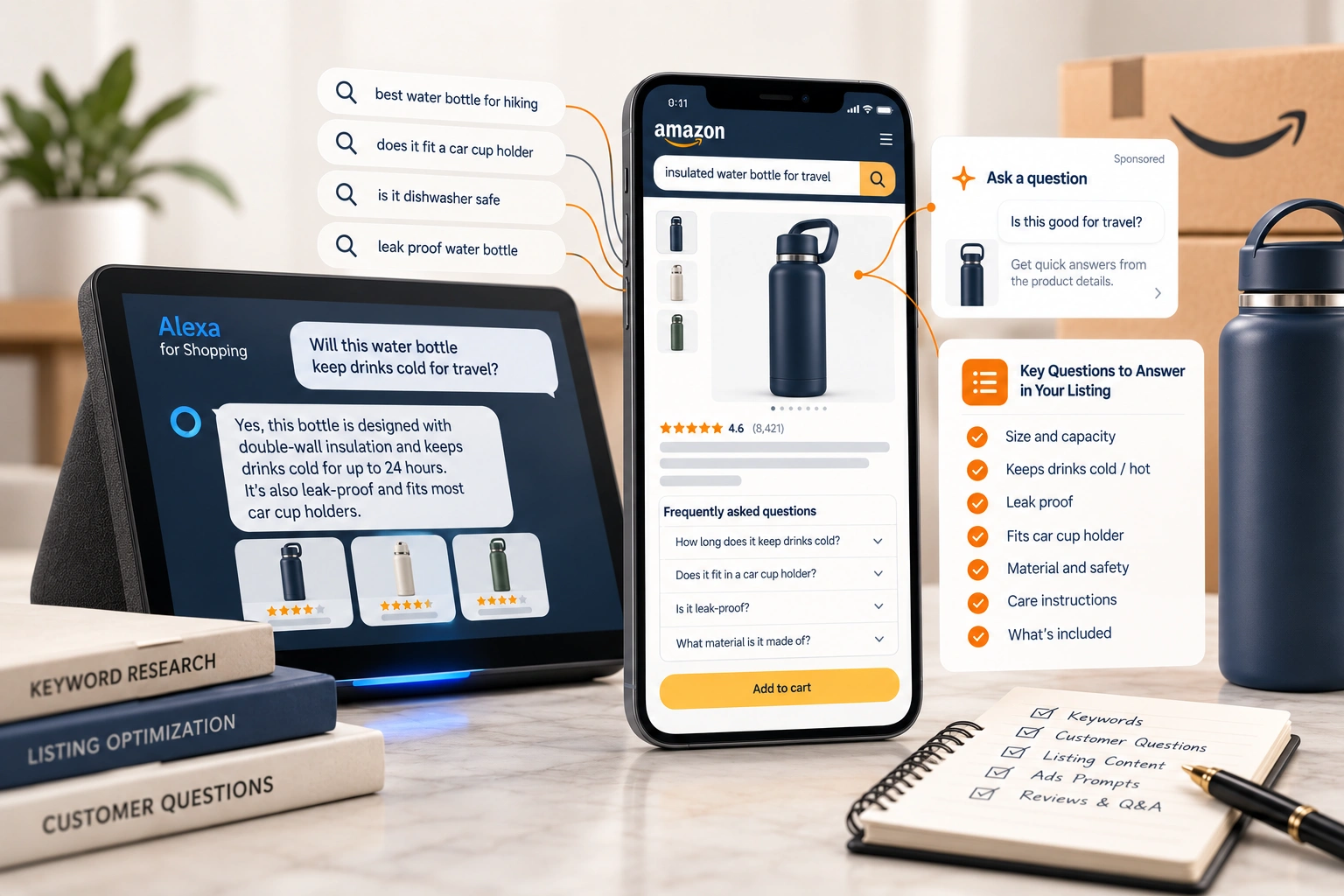
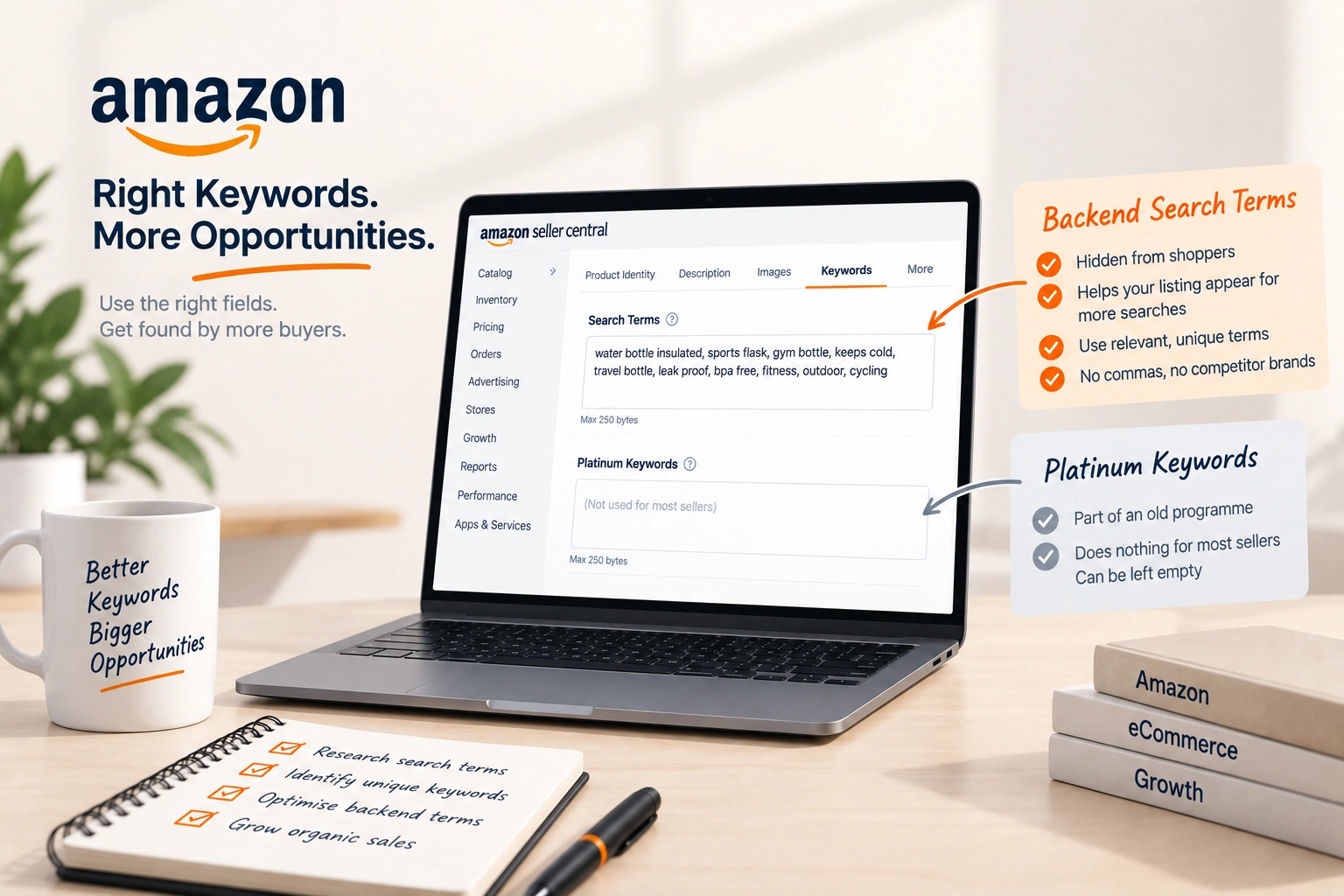
Adding Keywords to Amazon Listings Without Ruining Them
Every keyword has one right place on a listing. Putting them all in the title is the commonest way to lose conversion while gaining nothing.


Loading Article banner
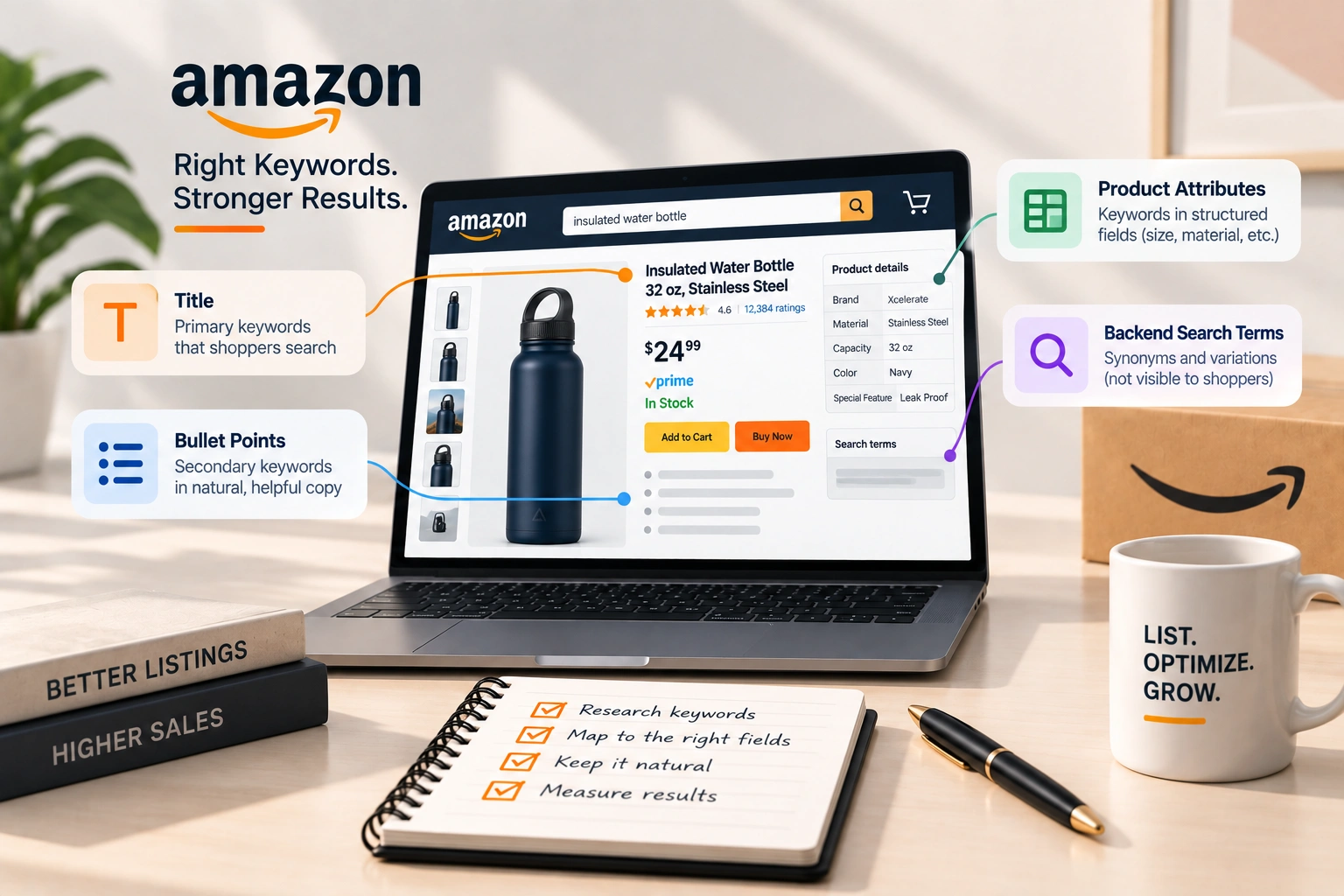
Amazon indexes a listing from several fields, and it does not care how many times a word appears. Once a term is indexed, saying it again buys nothing and costs the space a sentence could have used to sell.
So the question is not how many keywords to add. It is which field each one belongs in.
Where each kind of term belongs
The title. The two or three terms a shopper would actually type, in a sentence a person can read. Brand, product, deciding attribute.
The bullets. Secondary terms, carried inside sentences that are doing conversion work anyway. A bullet written to answer an objection will contain the vocabulary naturally.
The attributes. Size, material, colour, compatibility, intended use. These are structured fields and they decide which filters and browse nodes the listing appears under, which is a kind of relevance the words cannot buy.
The backend search terms. Synonyms, spelling variants, and the words shoppers use that you would never print on a listing. This is the one field where the rules are strict and widely misunderstood; see how paid search works on Amazon.
Repetition earns nothing
A term indexed from the title does not get more indexed by appearing in every bullet. The listing is not scored on density.
What repetition does cost is readable space and, on the title specifically, click-through rate. A title stuffed to the character limit converts worse than a shorter one that reads like a product.
The exception is where the phrasing genuinely differs. Two ways of saying a thing are two terms, and both can be worth indexing.
Finding terms worth adding
The best source is your own search terms report, because it is what shoppers typed before they bought from you. Terms converting there and missing from the listing are the ones to add first.
The second source is the reviews and questions, yours and your competitors'. People describe products in the words they searched with, and those words are frequently not the ones the brand uses.
Keyword tools are the third source, not the first. They are good for discovering variants and bad at knowing which of them converts for your product.
What not to add
Competitor brand names, which is against policy and gets listings suppressed rather than ranked.
Terms that describe a product you are not selling, which buys traffic that bounces and pulls conversion down.
Subjective claims that trigger compliance review, and anything approaching a medical claim, which is a faster route to a suppressed listing than any ranking gain justifies.
How to tell whether it worked
Check the listing is indexed for the term, then watch impressions rather than rank. Impressions are the first thing to move; position and sales follow if the listing converts.
Give it two weeks, and change one field at a time, so the result is attributable. Rewriting the title, the bullets and the backend at once produces a number that cannot be read.
Keywords and advertising are one loop
Advertising is how a new term gets tested before it goes anywhere near the listing. A term that converts in an exact match campaign has earned its place; one that spends without converting has not, whatever its search volume.
That loop runs in both directions, which is why the two jobs are best done by the same people. It is the subject of the strategies built on those search terms, and the reason a keyword list is a working document rather than a deliverable.
What we do with this
Keyword work is part of Amazon account management, run as a cycle rather than a project: test in advertising, promote what converts into the listing, retire what does not.
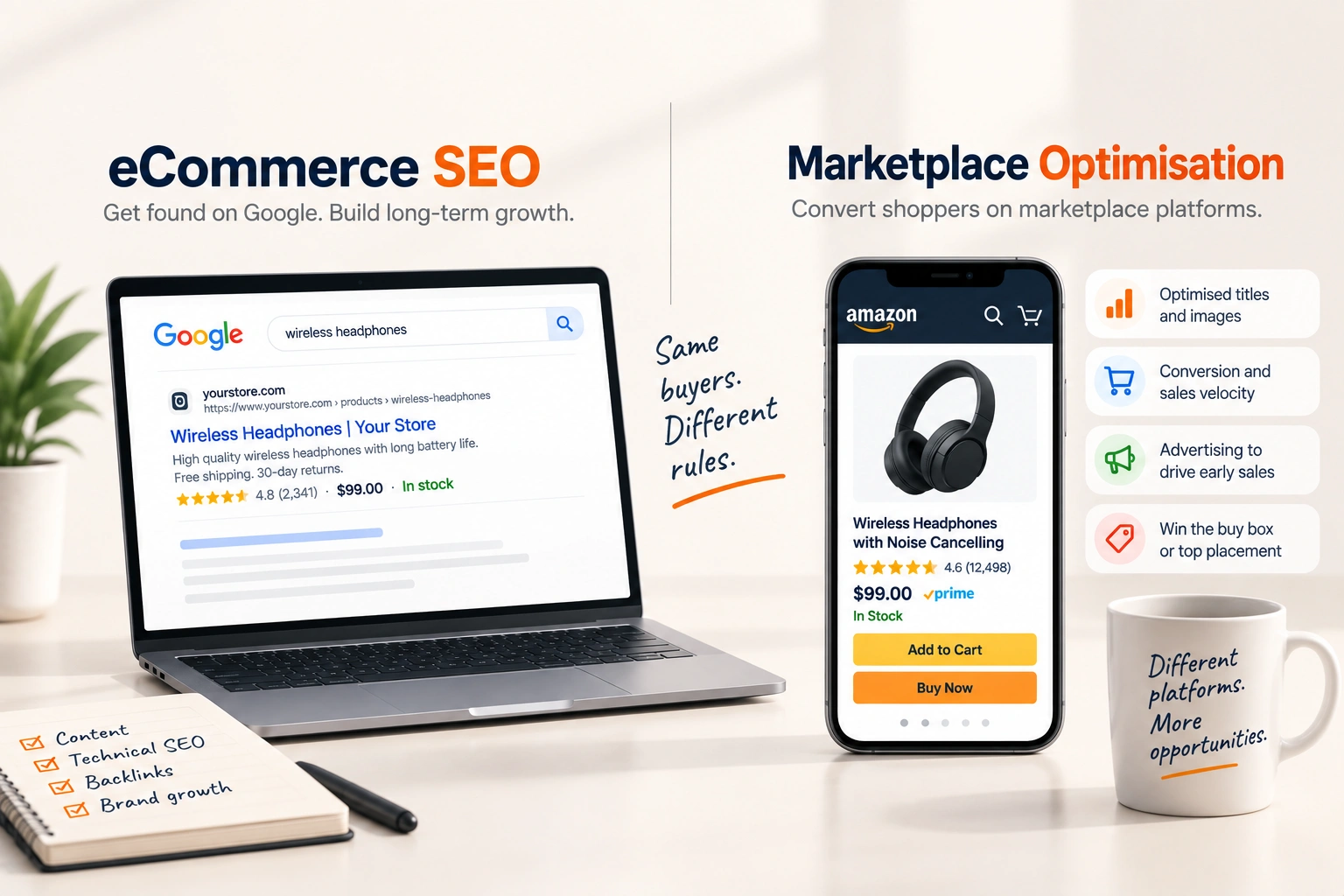
The same method applies with different fields on Walmart, and on a brand's own Shopify store where the search engine is Google rather than Amazon.
If you want the current listings read against your own search terms report, start there.
Related reading: Amazon Listing Optimization: What Actually Moves Rank and Amazon Backend Search Terms, and What Platinum Keywords Actually Are.
Keep reading
Frequently asked questions
The questions that come up most often on this subject.
There is no keyword count. There are fields with character limits: the title, five bullets, the backend search terms and the structured attributes. A term indexed once from any of them is indexed, so the practical limit is how much you can say without hurting readability.
No. Amazon does not score a listing on keyword density, so a term in the title does not get stronger by appearing in every bullet. Repetition costs readable space and, in the title, click-through rate.
Mostly in the bullets and the backend search terms. Long tail phrases rarely read well in a title, and they are usually variants of something already indexed, so they belong where they can be present without being read aloud.
No. It is against policy in the visible fields and in the backend, and enforcement tends to arrive as a suppressed listing rather than a warning. Compatibility phrasing, where the category allows it, is the legitimate version of the same idea.
Search the term together with the ASIN. If the listing appears, it is indexed for it. That says nothing about ranking, which is a separate question decided by sales velocity and conversion.
Monthly on the products carrying most of the revenue, driven by the search terms report rather than by a tool. Demand vocabulary shifts with seasons and competitors, and the report is the only source that reflects your own buyers.
The plain description is indexed, though it is replaced on listings that have A+ content, and A+ text is not indexed the same way. Treat the description as a supporting field rather than a main one, and never as the place your important terms live.
Amazon handles most common misspellings itself, so deliberately adding them is usually wasted space. The exception is a genuine alternative spelling that people use, which is a different word rather than an error.
The shared terms, yes, because the family competes as one. The variant-specific terms belong on the variant, which is what makes a size or colour findable on its own.
Yes, in two ways. Terms that attract the wrong shopper pull conversion down, and rank follows conversion. And a title stuffed to the limit reads as spam, which costs the click before the listing gets a chance to convert.