eBay Unpaid Items: The 2026 Auction Changes, the Four Day Rule and What Sellers Can Set
eBay says it will block repeat non-payers from auctions and may verify buyers before they bid. What was announced, how unpaid items work today, and the settings a seller already has: automatic cancellation, buyer requirements and the blocked buyers list.


Loading Article banner
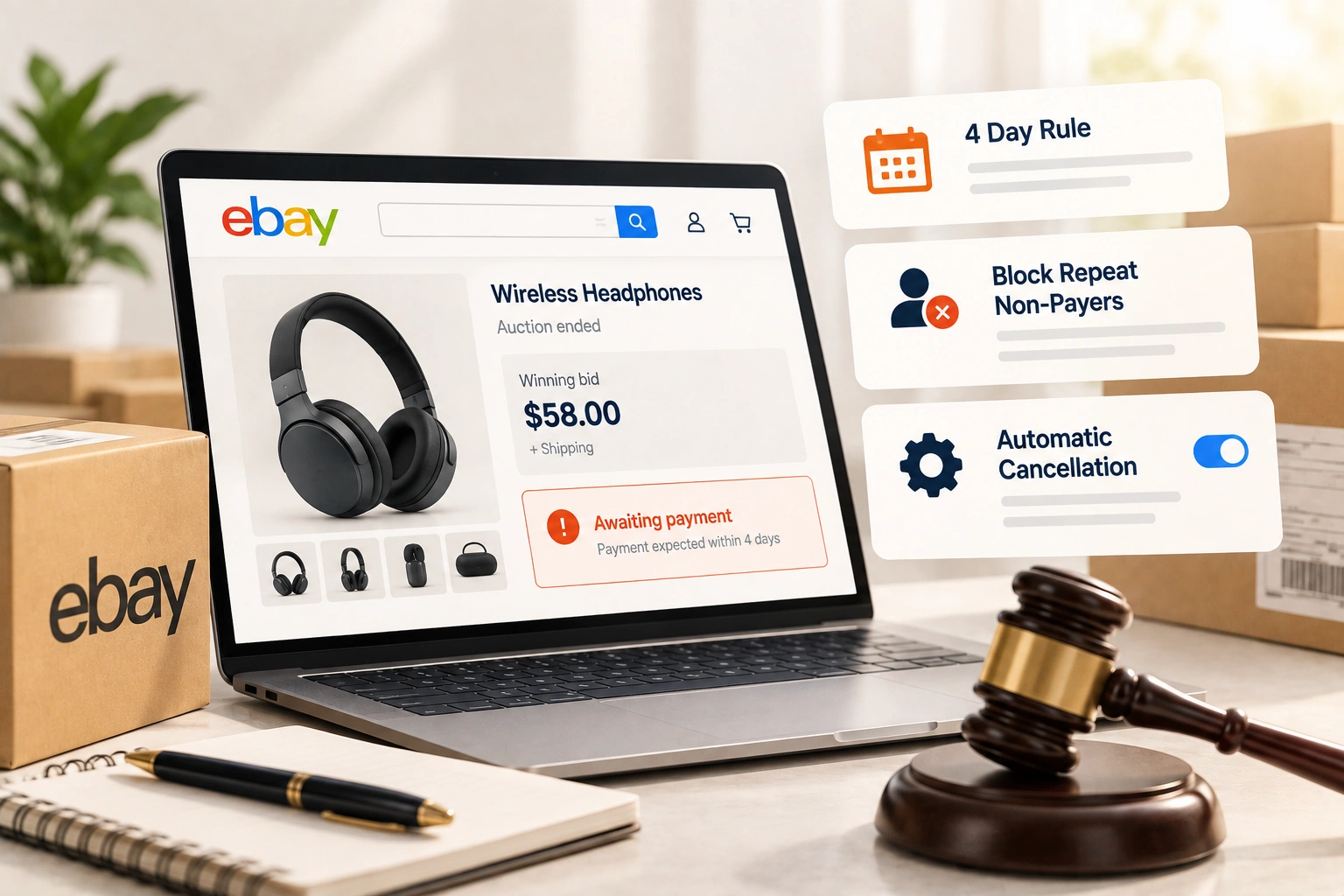
An auction that ends with a winner who never pays is one of the more expensive things that can happen to an eBay seller without anything visibly going wrong. The item sat in a listing for a week, the bidders who lost have moved on, and the relist starts from nothing. It is a complaint that has run through seller communities for as long as eBay has had auctions.
eBay's September 2026 seller update addresses it in two sentences: "eBay may verify additional buyer details before auctions to help keep bidding fair and reliable", and "Buyers with repeat unpaid items across multiple accounts will be blocked from bidding on auctions." This is what those changes mean, how unpaid items work today, and the settings a seller can use now rather than waiting.
What eBay announced, and what it did not
The second sentence is the important one. The tools sellers have had until now work per username: a seller can block an account, and a buyer who has failed to pay can open another. Blocking repeat non-payers "across multiple accounts" is eBay addressing the gap no seller setting could close, because only eBay can see that two accounts belong to the same person.
The first sentence suggests eBay may ask some buyers for more before they can bid. What eBay has not said is when either change takes effect, which buyer details it means, or how many unpaid items count as repeat. Treat both as the direction eBay has set, and keep using the controls below, which work today.
How unpaid items work today
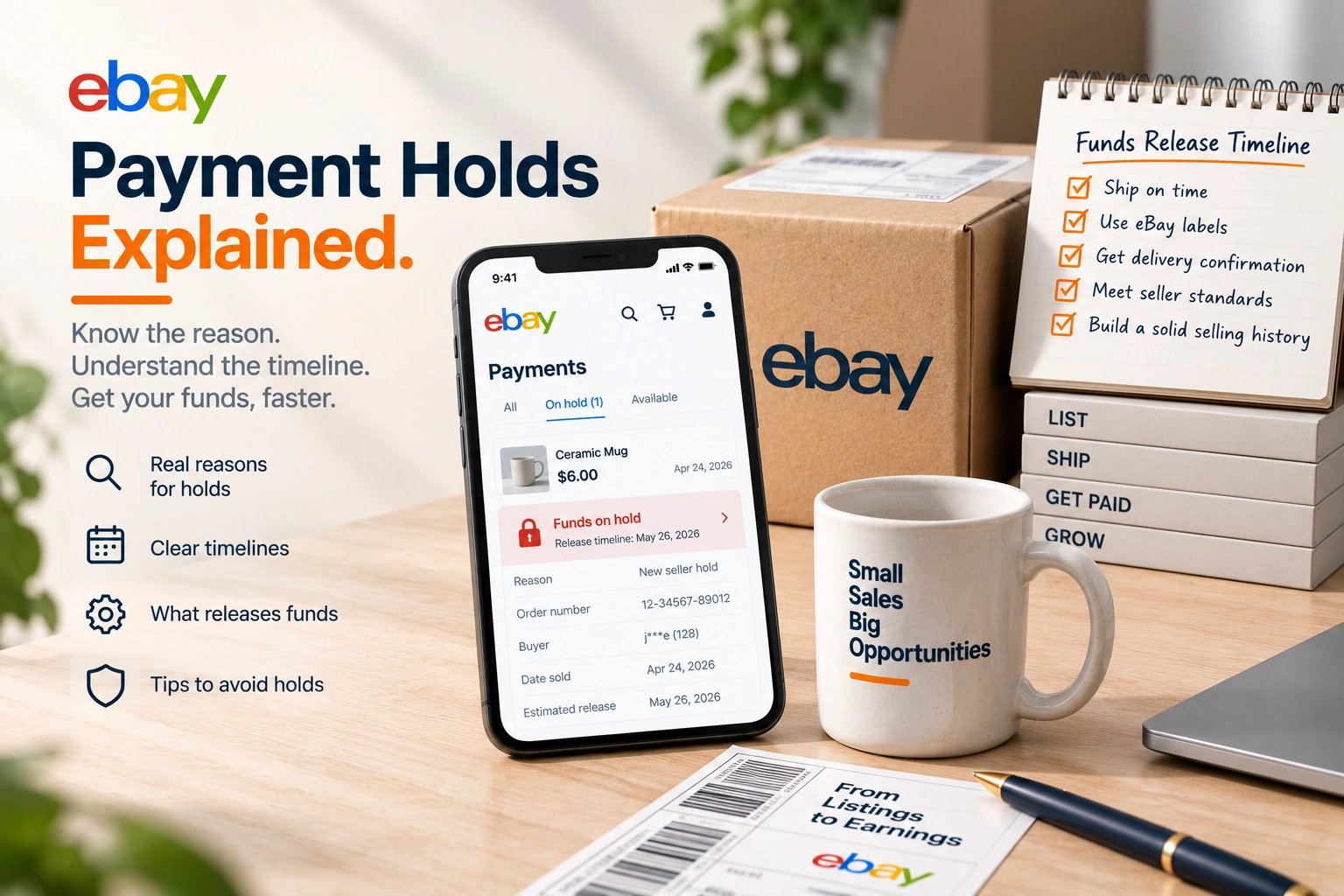
When a buyer wins an auction or commits to buy, eBay sends payment reminders 24 hours and 48 hours after the listing ended. If the buyer still hasn't paid four calendar days after the listing ended, you can cancel the order and choose Buyer hasn't paid as the reason.
Two details matter. First, timing: eBay's help page says "it's important to cancel any unpaid items within 30 days from the day the buyer commits to buy so the item can be relisted." Second, the consequences for the buyer rather than you: once you cancel, eBay says "any feedback left by the buyer of an unpaid item will be removed." A non-payer who leaves a spiteful rating on the way out does not keep it, which matters more than it sounds if you have been reading about what negative feedback does to a seller.
When you cancel, a single quantity Buy It Now item is relisted automatically unless you choose not to relist.
Let eBay cancel for you
Most sellers who lose time to unpaid items are cancelling them by hand. eBay's preferences for items awaiting payment will do it instead: with the preference on, orders that are not paid for are typically cancelled automatically after four or more calendar days. The preference applies to orders paid through eBay's checkout, not to eBay Motors vehicles, and you can name buyers it should leave alone, which is useful for a regular trade customer who pays on their own schedule.
The effect is that an unpaid auction stops being something a person has to notice. The four days pass, the order is cancelled, the item goes back up, and the buyer's feedback on it goes.
Stop it before the bid: buyer requirements
Better than cancelling an unpaid order is never taking the bid. Buyer requirements, in the Buyer Management section of your seller account, let you block buyers who have "a history of canceled orders because they didn't pay", block buyers in locations you do not ship to, and limit buyers who are "currently winning, or have bought, a specified number of your items in the last 10 days." That last one is the setting for the bidder who wins six of your auctions in a weekend and pays for none of them.
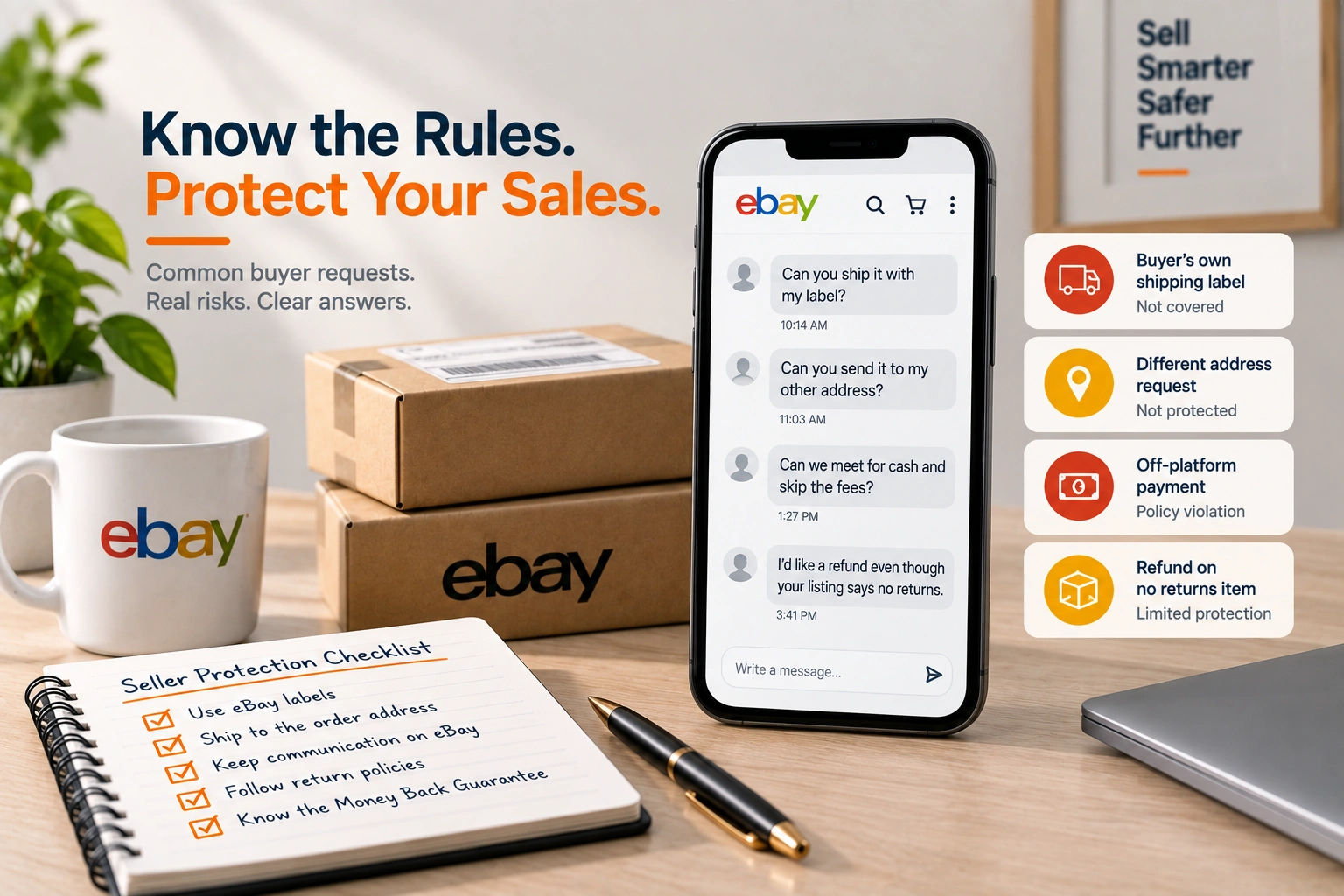
Buyer requirements come with an activity log, which shows who was stopped, and an exemption list for buyers you trust. The log is worth reading once a month: if a regular customer keeps appearing in it, the rule is too tight. Setting these is also part of staying inside the rules when a buyer asks for something unusual, which buyer requests that put you outside seller protection covers in more detail.
The blocked buyers list
For a specific account you never want to deal with again, the blocked buyers list holds up to 5,000 usernames, and blocked buyers are "unable to place bids or buy from you until you remove them." It works, and it has always had the gap described above: it blocks a username, not a person. The September change is eBay closing that gap on its side. Until it is live, the list and buyer requirements together are the best a seller can do.
After an unpaid auction
The losing bidders were real demand, and a relisted item can reach some of them faster than a fresh seven day auction does. Once it is back up, sending offers to interested buyers puts a price in front of the people already watching it. And if unpaid items are a pattern rather than an accident, look at which categories and which price points they cluster in; for a seller running eBay as a business, a Buy It Now format with immediate payment is sometimes the better choice for exactly those listings.
What we do with it
For the eBay accounts we run, unpaid items are handled by settings rather than by memory: the automatic cancellation preference on, buyer requirements set to the account's real pattern, the activity log read monthly, and the listings where non-payment clusters moved to a format that suits them. When eBay's own changes go live, we will check what they add, which is part of eBay account management we do for every account.
Frequently asked questions
The questions that come up most often on this subject.
eBay sends payment reminders 24 and 48 hours after the listing ended. If the buyer still hasn't paid four calendar days after the listing ended, you can cancel the order and choose Buyer hasn't paid as the reason.
eBay says it is important to cancel any unpaid items within 30 days from the day the buyer commits to buy, so the item can be relisted.
When you cancel an unpaid item, eBay removes any feedback left by the buyer of that item.
Yes. Buyer requirements let you block buyers with a history of cancelled orders because they didn't pay, and limit buyers who are winning or have bought a set number of your items in the last 10 days. You can also add up to 5,000 usernames to your blocked buyers list. eBay has also said that buyers with repeat unpaid items across multiple accounts will be blocked from bidding on auctions.
eBay's September 2026 seller update announced that it may verify additional buyer details before auctions and will block buyers with repeat unpaid items across multiple accounts, but it did not give dates. The existing settings work in the meantime.