Amazon Brand Approval, Gating and Ungating: How to Get Approved to Sell
Approval required appears on the brand, the category or the product, and each is a different application. What the form asks for, why most applications fail on the invoice, what a letter of authorisation does, and what to do when Amazon asks a brand owner for approval to sell their own products.


Loading Article banner
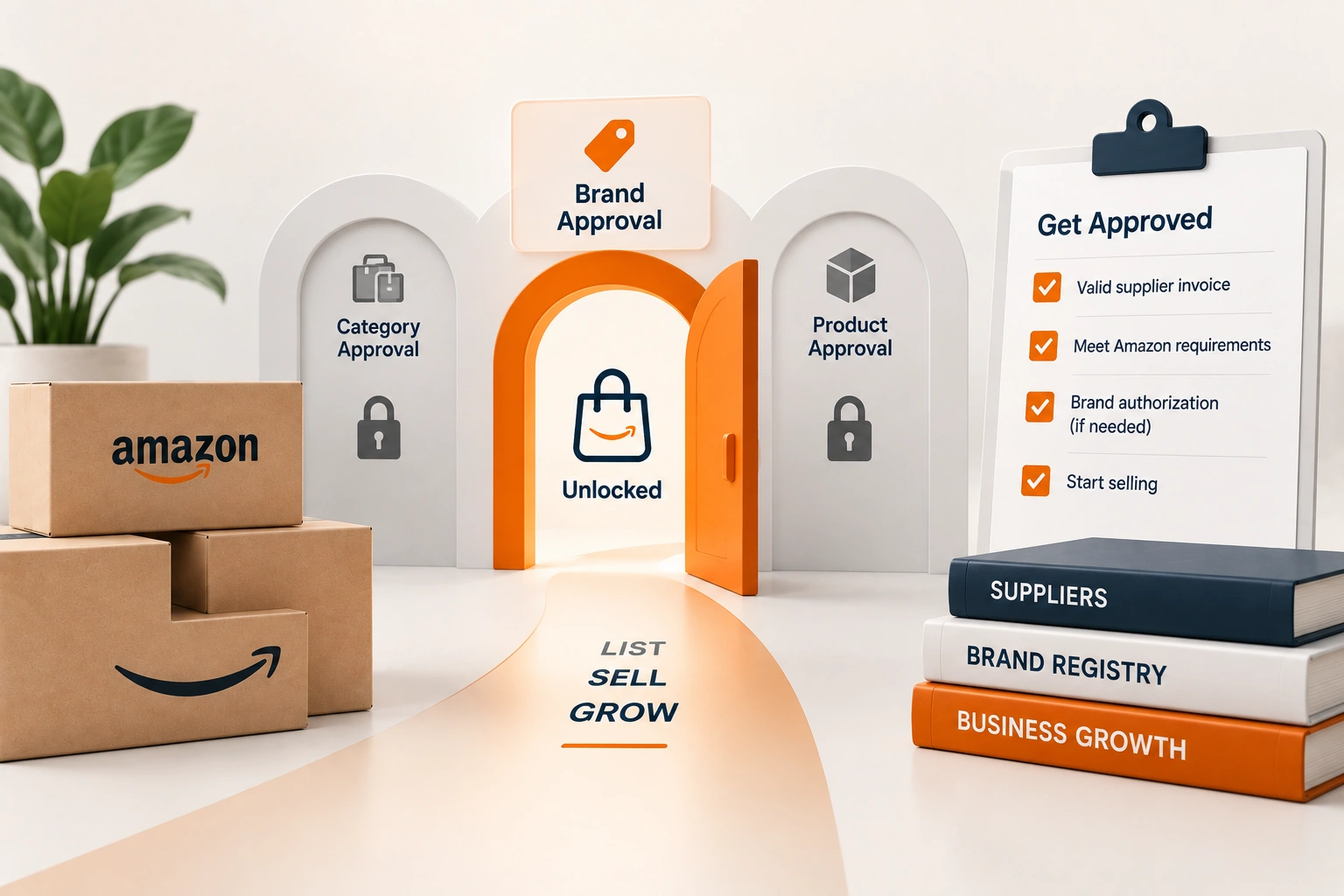
Approval required is the phrase that stops a listing before it exists. It appears against a brand, a category, or a single product, and sellers treat the three as one gate with one key. They are three gates. The application forms look alike and the evidence they take is similar, but what Amazon is checking differs, and an application built for the wrong gate is refused with a message that does not say why.
This is how the applications work, what the form asks for in its own words, the reasons applications fail as sellers report them on the forums, and the case that confuses everybody: the brand owner asked to prove they may sell their own brand.
Three gates
Category gating is the oldest. Some categories, and sub categories inside open ones, require approval before any product can be listed in them: the categories with safety, regulatory or counterfeit history. Approval is per category and per account, granted once. Brand gating is newer and broader: a brand can be restricted so that only approved sellers may list its products, at the brand's request through Brand Registry or at Amazon's own decision for brands with counterfeit problems. Approval is per brand. Product gating is the narrowest: a single ASIN restricted for a reason particular to it, a recall, a hazmat classification, an age restriction, and approval is per ASIN.
The listing workflow tells you which gate you are at: the message names the brand, the category or the product, and the Apply to sell button opens the application for that one. Applying for the category when the restriction is the brand wastes the application. The same phrase on an order means something else entirely, and the approval needed on an order article covers that case.
What the form asks for
The application text, as quoted by sellers across many threads, asks for at least one purchase invoice from a manufacturer or distributor, dated within the last 180 days, showing the combined purchase of at least ten units of the applicable brand, category or product, with the seller's name and address matching the account, with nothing redacted except pricing, and with the issuer's name and contact details on it. Some applications accept, or require, a letter of authorisation from the brand owner instead of or alongside the invoice.
Every word of that is a check. The date rules out old stock. The ten units rule out a retail purchase dressed as wholesale. The matching name and address rule out an invoice made out to somebody else, and sellers report that the legal name has to match to the suffix: an account registered as a limited company and an invoice made out without the LLC is a mismatch. The issuer's contact details are there so that Amazon can verify the supplier, and a supplier who cannot be verified is an invoice that fails.
Why applications fail
The reasons sellers report, in the order they occur. A retail receipt rather than an invoice: a purchase from a store or a marketplace is not a manufacturer or distributor invoice, however many units it shows. A distributor Amazon does not recognise as authorised for the brand: the invoice is real and the units are there, and the brand's own distribution list does not include the supplier, which for a gated brand is the whole point of the gate. A name or address that does not match the account. An invoice older than 180 days, or one redacted beyond the price. And, for brand gating, no letter of authorisation where the brand requires one, because the brand asked Amazon to admit only sellers it has approved.
The last of those is the one an invoice cannot fix. A brand that has gated itself decides who sells it, and the application is a request to the brand as much as to Amazon. A seller without a relationship with the brand is asking to be added to a list the brand controls, and the honest answer to whether the application will succeed is whether the brand wants another seller. The reselling article covers the wider question of what a reseller may list at all.
The brand owner asked to approve themselves
A thread this year describes it exactly: Amazon approved the brand name, deactivated the private label listing, requested selling approval, and rejected the invoice. It happens when a brand is registered in Brand Registry and the selling account is not linked to it as the brand owner or an authorised seller, or when the restriction was applied before the registration completed. The fix is inside Brand Registry rather than in an application: confirm the selling account is listed on the brand's role assignments as the owner, and where the application is still demanded, a letter of authorisation from the brand to the seller, signed by the same person, is accepted because it is what the form asks for.
Keep reading
It also happens to brand owners who manufacture their own product, for whom there is no invoice from a manufacturer because they are the manufacturer. The evidence for that case is the brand's own documents: the trademark registration, the Brand Registry confirmation, and where it exists a manufacturing agreement or the invoices for components. Amazon's forum staff take these cases individually, which is a slow route, and the account's Seller Support case is where it is argued. For the brands we run under marketplace compliance, the gate is checked before the product is bought: the category, the brand and the ASIN, in the listing workflow, with the invoice requirements written into the purchase order so the supplier's paperwork passes the form on the first attempt.
Frequently asked questions
The questions that come up most often on this subject.
That the brand, the category or the specific product is gated and needs an application before it can be listed. The message names which one, and the application is for that gate: a category approval does not open a gated brand, and a brand approval does not open a restricted ASIN.
As the application states it: at least one invoice from a manufacturer or distributor, dated within the last 180 days, showing at least ten units of the brand, category or product, with the seller's name and address matching the account, nothing redacted except pricing, and the issuer's name and contact details on it.
The reasons sellers report most: a retail receipt instead of an invoice, a distributor the brand has not authorised, a name or address that does not match the account to the legal suffix, an invoice older than 180 days or over redacted, or a brand that requires a letter of authorisation it has not given.
Usually because the selling account is not linked as the owner in Brand Registry, or the restriction was applied before registration completed. Confirm the role assignment in Brand Registry; where an application is still demanded, a letter of authorisation from the brand to the seller and the trademark and registry documents are the evidence.
An application with a compliant invoice can be approved in hours to a few days. An application argued through Seller Support, such as a brand owner without a manufacturer's invoice, takes as long as the case does, which is why the gate is checked before stock is bought.