Google Ads Invalid Traffic: The New Card, Credits and Fake Booking Requests
Google now shows what its invalid traffic filters saved and credited. What the card shows, where credits land, why it says nothing about fake booking requests, and the form checks, adjustments and reports that deal with those.
 Faizan Mughal, COO12 min read
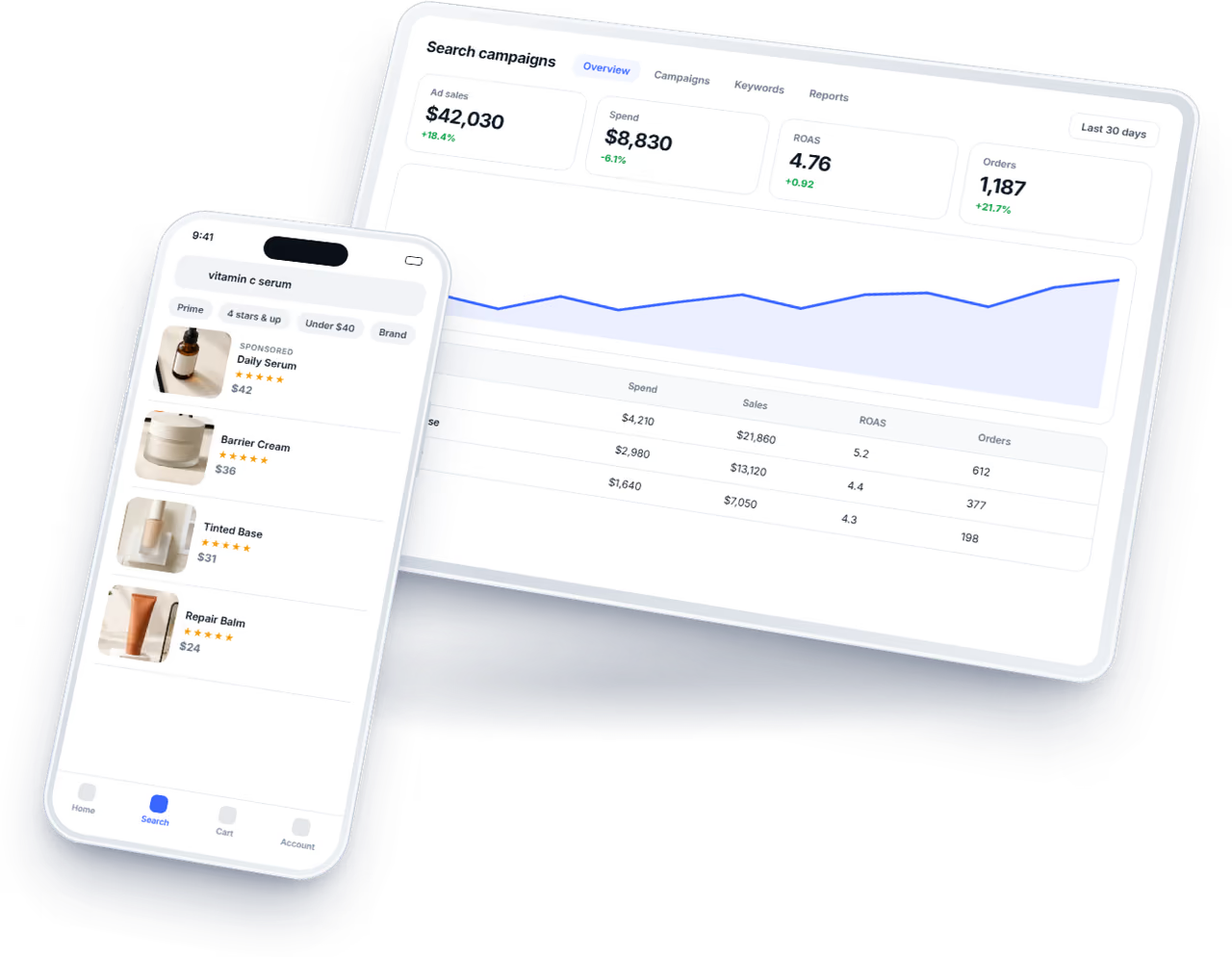
On 12 November 2026 Google announced an invalid traffic card for Google Ads accounts, the first place in an account that puts a figure on the clicks Google decided not to charge for. For an act or a speaker selling bookings through Google Ads, Google Ads invalid traffic is half of a question that comes up every season: am I paying for clicks that were never a planner, and are the booking requests in my inbox real?
The two halves have different owners. Google filters invalid clicks and does not bill for them, and the new card shows what that saved. A fake booking request sent through your own form is a different matter: Google's own help pages put stopping it on the advertiser. This guide covers what the card shows, how credits reach the invoice, what to change on the form, how to take a fake request out of the numbers, and when to report a pattern to Google.
What Is Invalid Traffic in Google Ads?
Invalid traffic is Google's name for clicks and impressions that do not come from genuine interest in your business. Its help page lists four kinds: automated traffic from bots, accidental clicks, fraudulent placements such as clickjacking and ad stacking, and other invalid activity, which includes clicks by competitors. Google filters it automatically and does not charge for what it catches before the bill closes.
That definition comes from Google's page on managing invalid traffic, which adds that the list is not complete and that its traffic quality team uses automated filters, machine learning and manual review. Most invalid traffic is caught as it happens or shortly after. Google's definition of invalid clicks says plainly that you are not charged for invalid clicks or impressions, and that a click flagged after you were billed comes back as a credit on a later invoice, where that is appropriate and possible.
In an account that sells bookings, three of the four kinds matter most. Other acts check who is advertising on their own name and city, and some of them click. Phones produce accidental taps, most of all on the video and display placements that remarketing uses. Bots find any form that is easy to send. The first two cost a click. The third costs a click and then sends a booking request that looks like a planner.
What Does the New Invalid Traffic Card Show?
The card sits on the Overview page in the Campaigns menu and shows two figures for the date range you pick: Estimated savings, the cost Google's automatic protections kept off your bill, and Credited cost, the credits for invalid activity found after a billing period closed. A View details link opens daily graphs, a breakdown by campaign and links to the invoices that carry the credits.
Google announced it on its Ads and Commerce blog on 12 November 2026, in a post from the head of its ads privacy and safety team, as a way to show advertisers how their campaigns are protected. The help page says the card is rolling out gradually and may not appear in every account yet, so an account without it is not an account with a problem.
The same post makes one claim worth knowing for a lead account: Google says that so far in 2026 its system upgrades have reduced advertisers' exposure to invalid leads by an average of 30%. That is Google's figure about its own systems, across all advertisers, and no single account can check it.
Read the card for what it is. It reports money Google kept off the bill or gave back, not a rate of invalid clicks and not a count of fake booking requests. Google's help page also says there is no industry standard for a normal amount of invalid traffic, so a figure on the card is not a grade. What it gives an act is a monthly line to set beside the invoice and the inbox: if the inbox fills with junk in a month when the card shows almost nothing, the junk is reaching the form by a route Google did not count as invalid.
Where Credits and Invalid Clicks Appear
Google treats invalid activity in two ways, depending on timing. What it catches before the billing cycle ends is removed from both the bill and the campaign metrics, so there is nothing to refund. What it finds later is credited. The places to see each are spread across the account:
| Where | What it shows |
|---|---|
| Invalid traffic card (Campaigns, Overview) | Estimated savings and credited cost for the date range, with daily and campaign detail |
| Invalid clicks column (Campaigns table, added through Columns) | Clicks Google filtered out, which you were not charged for |
| Billing Summary, Month card, Adjustments | Credits, labelled Invalid activity |
| Invalid Activity Credit Report (Report Editor) | Clicks, cost and conversion rate adjusted for credits, with a Credited clicks column |
One detail catches people out. A credit does not go back and change a campaign's own figures: the clicks and cost in the campaign table stay as they were reported, and only the credit report shows them adjusted. An act that judges a campaign by its cost per booking request should read that report for any month with a large credit, or the campaign will look more expensive than it was.
Why Does a Clean Card Not Mean Clean Booking Requests?
Because Google's filters protect your bill, not your form. Google's help page on preventing invalid leads says its invalid traffic filters do not prevent invalid leads on their own: most checks run after the ad is shown, so a bot or a person can still reach the site and send a fake or careless form. The click may be credited. The request still arrives.
That page, Prevent invalid leads, describes the work as shared: Google's defences protect you from charges for invalid traffic, and the advertiser has to add technical safeguards to the form. It also notes that real people enter wrong details, such as a mistyped email address or a number that is not theirs, which no traffic filter can catch.
For a booking-driven account the cost of a fake request is larger than the click. Somebody reads it, replies, holds a date and waits. Worse, if the request is counted as a conversion, the campaign is being taught that the search and the placement that produced it are working. Automated bidding learns from what you count, so a month of bot submissions counted as booking requests pushes the budget toward more of the same. That is our reading of how automated bidding uses conversions, not a figure Google publishes, and it is why the form and the conversion setup matter more than the card.
The Form Checks Google Asks Advertisers to Add
Google's page lists the safeguards in plain terms. Put a bot check on every web form, and Google names its own reCAPTCHA for that. Use a double opt-in where the volume allows it: an automatic email with a unique link, with the lead counted as valid only once the link is clicked. Validate on the server before a submission reaches your inbox or your customer records: the email address has a real domain, and the phone number fits a real format for its region. A check in the browser alone is not enough, because bots skip it.
It then asks for two changes to what the account counts. Focus campaigns on lead goals such as a qualified lead, a converted lead, a booked appointment or a requested quote, rather than every form sent, and measure with the Google tag and enhanced conversions. And use content, placement and brand exclusions to keep ads away from inventory and searches you do not want.
On a booking form we add two things of our own. The form asks for the event date and the city, which a planner always knows and a bot fills with nonsense, so a reply can be sorted in seconds. And the form sent stays a secondary conversion while the enquiry a person has qualified is the primary one that bidding uses, the structure set out in our guide to conversion tracking for speakers and performers. Where the request comes through the form inside the ad instead, the settings that decide its quality are in our guide to the lead form asset.
Taking a Fake Booking Request Out of the Numbers
A fake request that was counted can be removed. Google's conversion adjustments let an advertiser retract a conversion, which removes it from reports completely, or restate its value. Google's page on conversion adjustments sets the timing: adjustments can be made within 54 days, and a retraction or restatement made within 7 days of the conversion first being recorded is the one automated bidding can read. It recommends waiting at least 24 hours after the original conversion before uploading.
The adjustment has to name the conversion it changes, by the same order ID the conversion used or, failing that, by the click ID with the original conversion's time. That is one more reason to keep the click ID with every enquiry, which our guide to offline conversion imports walks through, since the same record lets you send a qualified enquiry back to Google as a conversion of its own. The page also warns that a website conversion removed this way cannot be added back, so retract only what you have checked.
In practice this is a weekly task, not a monthly one. The 7 day window is short, and a bot run that arrives on a Friday is still teaching the bidding on the following Monday if nobody takes it out.
When to Report Invalid Clicks to Google
Google filters automatically, and it also takes reports. The route is the click quality form linked from its invalid traffic help page, and Google can investigate activity from the last 60 days. A review usually takes several business days, and the answer comes by email.
What makes a report useful is evidence from your side. Google asks for the 10-digit customer ID, the date range, the campaign and ad group names, the keywords that look wrong, server logs showing IP addresses, devices and click IDs, and the details of the leads involved. It will not confirm click by click which ones it judged valid, and it does not compare its findings with reports from other companies' click monitoring services.
Report a pattern, not a bad day. The cases worth sending are the same IP address or the same click ID behind several form submissions, a sudden run of requests from one campaign at hours when nobody books acts, or a run of clicks from a single location with no enquiry behind any of them. An act whose logs show that should file inside the 60 days, and should keep counting only qualified requests in the meantime, so the bidding does not learn from the run while the review is open.
Should You Block IP Addresses in Google Ads?
Only addresses your own logs show clicking repeatedly with no genuine enquiry behind them. Google lets you exclude up to 500 IP addresses per campaign, or a block by replacing the last three digits with an asterisk, and an account-level list covers every campaign, Performance Max (PMax) included. Many people share one address, so a broad block can shut out real planners.
The detail is on Google's IP exclusions page. The account-level list is set in the account settings under the Admin menu and applies to all campaigns, Search, Demand Gen, Display, YouTube and PMax among them. Campaign-level exclusions are set in each campaign's additional settings, and are not available for video, hotel, App, Performance Max or Smart Display campaigns. Where both exist, Google merges the lists, and a campaign cannot remove an account-level exclusion.
The caution is Google's own: its invalid traffic page notes that many users can share one IP address. A conference venue, a hotel or a large company's office network sends many people out through a few addresses, and those are exactly the places a corporate event planner books from. So we exclude an address only when the server logs tie it to repeated clicks or junk submissions, never because a competitor is merely suspected, and we use location exclusions, not IP lists, to keep the ads out of places the act does not travel to.
A Monthly Routine for a Booking-Driven Account
Put together, invalid traffic in an account that sells bookings takes about an hour a month and a few minutes a week:
- Weekly, read the week's booking requests against the date and city answers, and retract any counted request that is clearly fake while the 7 day window is open.
- Monthly, read the invalid traffic card for the month and set its credited cost beside the invoice's Invalid activity adjustments.
- Monthly, read the Invalid Activity Credit Report for any campaign with a large credit before judging its cost per booking request.
- When the logs show a pattern, report it through the click quality form within 60 days, with the evidence Google asks for.
- Each quarter, check that the form's safeguards still work: the bot check, the server-side validation and the qualifying questions.
None of this changes the larger rule that the spend is judged by booking requests a person qualified and bookings won, as our guide to bidding with few, valuable enquiries explains. It keeps the numbers behind that rule honest. Our Google Ads management for acts and speakers runs this routine as part of the account, with the form checks set up before the first campaign goes live.
Frequently Asked Questions
The questions that come up most often on this subject.