Amazon Sales Stopped Suddenly: How to Tell an Outage From a Listing Problem
Orders stop at eleven in the morning. The forum fills with the same question within the hour, and within the day some of those sellers have a real problem and most do not. The twenty minute check that tells which, and the order to do it in.


Loading Article banner

Three threads appeared on the Seller Forums in two days this month: anyone experiencing delayed orders in Seller Central today, Amazon sales stuck for the last hour, did Amazon's servers go down again. They appear in the same form every few weeks, and the replies under them divide the same way every time. Most of the sellers are watching a delay in Amazon's order reporting and their sales are fine. A few have a listing that was suppressed that morning, a buy box that moved, or an ad campaign that ran out, and the outage thread is where they went instead of looking.
This is the check we run when a client's orders stop, in the order that finds the cause fastest. It takes about twenty minutes and it has to be done in order, because the first step is the one that tells you whether the rest matter.
Step one: is it everybody
Open the Seller Forums and sort by newest. When Amazon's order reporting is delayed or the site is degraded, there is a thread within the hour with dozens of replies from sellers across categories, and Amazon's community managers post in it when the incident is acknowledged. That thread is the fastest status page Amazon has. If it exists and it describes what you are seeing, the cause is Amazon, the orders are almost always there and will appear when reporting catches up, and nothing in the account should be changed until it does.
If there is no such thread, and the forum is discussing its usual subjects, the cause is in the account. A seller who changes prices or relaunches campaigns during a reporting delay makes decisions against data that is not there, and the threads carry more than one story of a price cut that turned a two hour delay into a bad week.
Step two: the listing itself
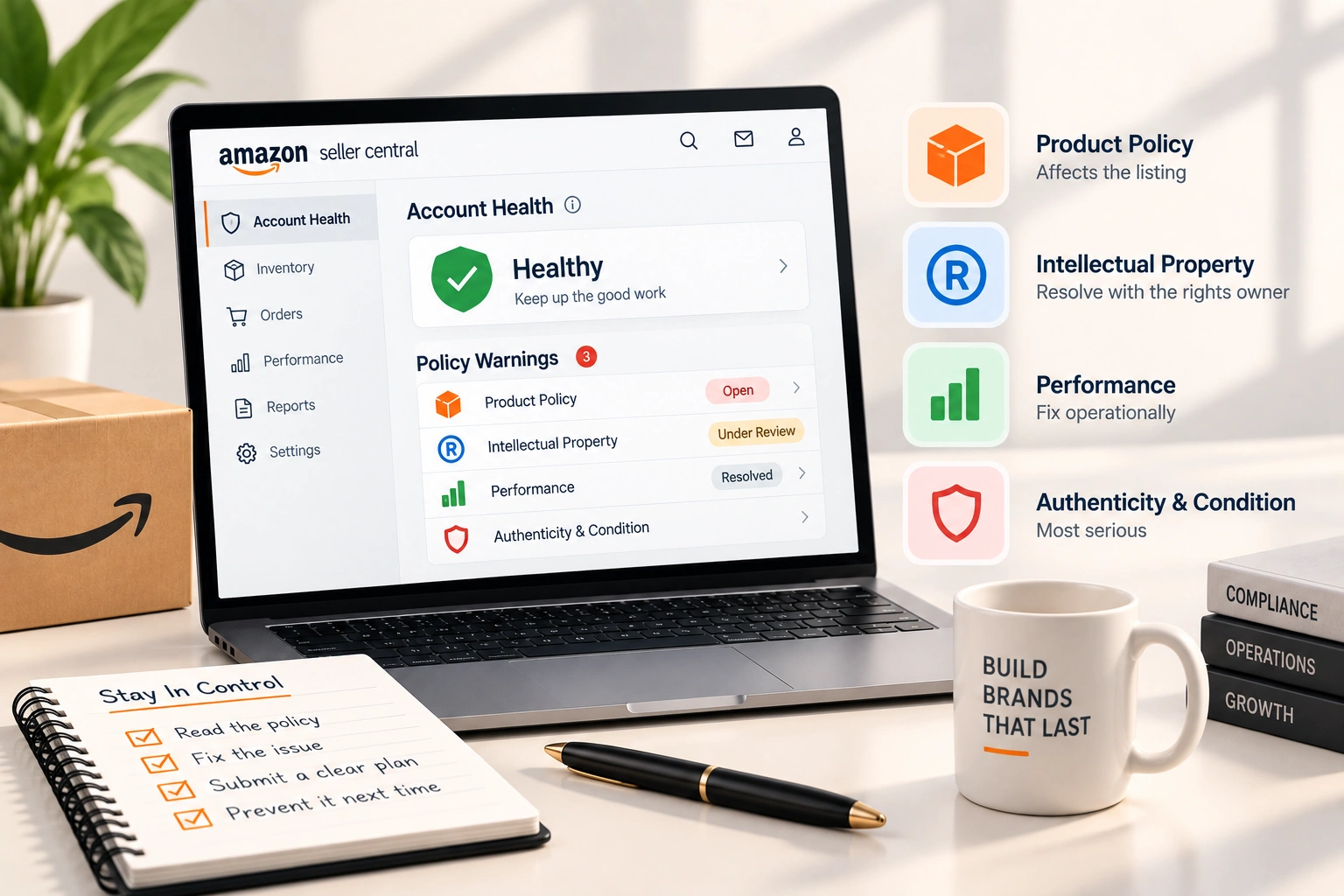
Open the product page as a customer, logged out, on a phone. Is it live, is there a buy button, is it your offer that has it, and is the price what you set. Then open the listing in the account and read its status. Suppressed, inactive, stranded and search suppressed are four different conditions with four different causes, and the account tells you which in the listing's own row and in the Action Center's critical cards. A listing suppressed for a missing attribute or an image rule comes back within hours of the fix; a listing removed for a policy reason does not, and the policy warnings article is the map of those.
The buy box is the second thing on that page. An offer that lost the buy box to a reseller at a lower price, or to Amazon itself, keeps its listing live and loses most of its sales in the same hour; the offer count and the buy box owner on the product page say so. The reselling article covers who can appear on a listing and what can be done about it.
Step three: account health and the messages
Open account health and the case log. A listing deactivated for a performance notification, an account under review, a verification request that has been sitting unanswered for a week: each of these stops sales without changing the product page much, and each shows in the account health page before it shows anywhere else. The notifications inbox and the case log carry the same information a day earlier. Account health and reinstatement is what to do when it is this.
Check the orders page itself while there. An order held as pending, or one showing approval needed, is a payment or address hold rather than a sales problem, and the approval needed article explains those. A morning of pending orders that clear by evening is Amazon's payment processing, not the account.
Step four: the advertising
For a product whose sales are mostly paid, sales stop when the ads do. Open the campaign manager: has the daily budget run out, is a campaign paused, was a bid rule changed overnight, has a keyword been made negative by mistake. A budget that ran out at ten in the morning looks, from the sales graph, like an outage at ten in the morning. The article on campaigns that spend without converting covers the opposite fault, where the ads run and nothing sells, and the two together account for most sudden drops on advertised products.
Step five: the things that are nobody's fault
A competitor launched a deal. A category page changed. The product's main search term shifted in rank overnight, which the search term report shows tomorrow. Seasonality, the day of the week, a holiday in the buyer's country. None of these are faults, and all of them look like one at eleven in the morning. The tell is that the drop is partial and spread over the day rather than a wall at a time.
What to do in each case is different, and that is the point of doing the check in order. An Amazon incident: wait, and change nothing. A suppressed listing: fix the attribute today. A lost buy box: a price decision, made from the unit economics rather than the panic. An account health notification: the reinstatement work, that day. An ad budget: raise it or accept the cap. For the brands we run, this check is a standing routine in compliance and account health, and the value of it is not the fix. It is the twenty minutes that stop a seller cutting a price to solve a reporting delay.
Frequently asked questions
The questions that come up most often on this subject.
Open the Seller Forums and sort by newest. A real incident produces a thread within the hour with replies from sellers across categories, and Amazon's community managers post in it once it is acknowledged. If that thread exists and matches what you see, the cause is Amazon and the orders will appear when reporting catches up.
The buy box first: open the product page logged out and see whose offer has the buy button and at what price. Then account health, the notifications inbox and the case log for a review, verification request or performance notification. Then the campaign manager for a budget that ran out.
Not until the check is done. During an Amazon reporting delay the orders exist and have not been shown yet; a price cut made against missing data is a real cut against real sales. Decide on price from the buy box and the unit economics, not from the sales graph on the day.
For an advertised product, usually because the daily advertising budget runs out at that hour. The sales graph shows a wall at the time the campaign stopped. Raise the budget, spread it, or accept that sales after that hour are organic only.
Most reporting delays clear within hours and the orders appear with their original timestamps. The forum thread for the incident is the place to watch; Amazon's community managers post when the incident is resolved.